The Benefits of Procreate: One of the Best Choices for Digital Artists
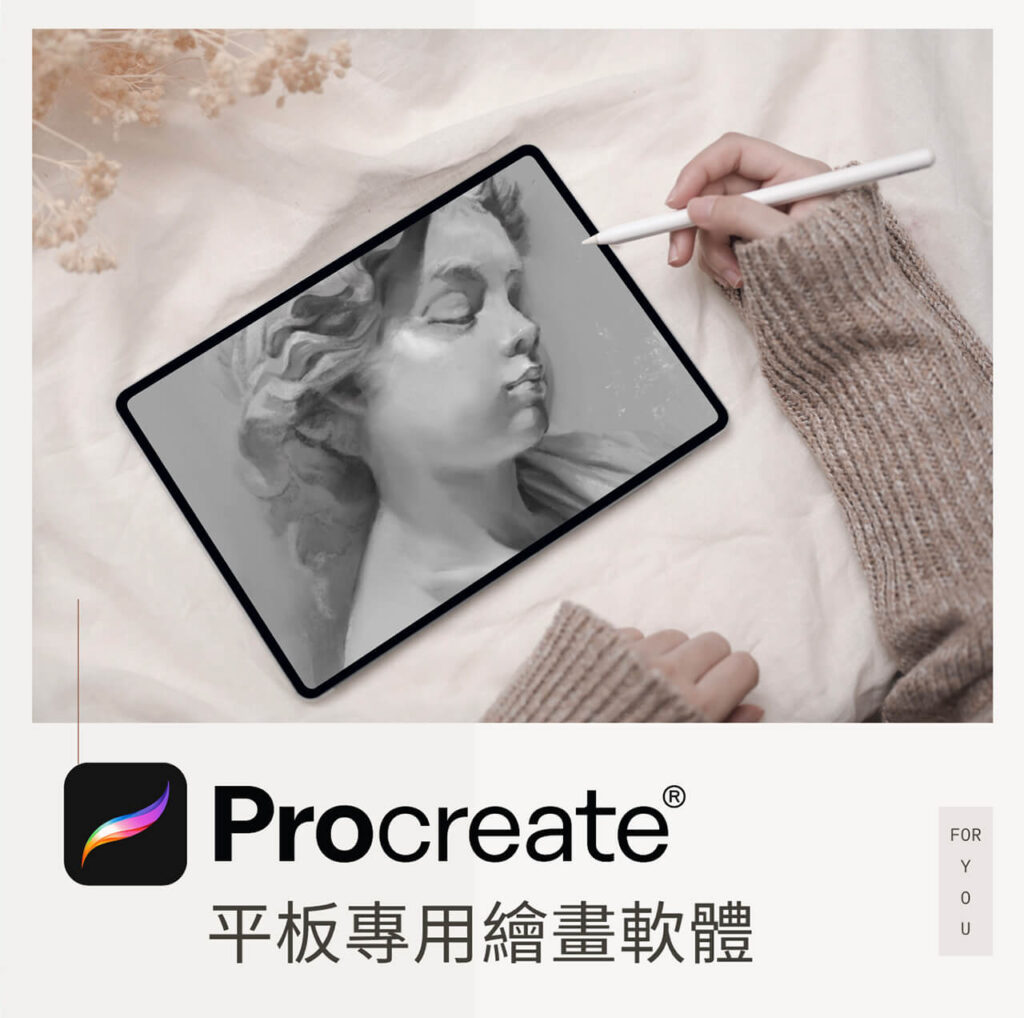
In the world of digital art, finding drawing software that is both powerful and easy to use has always been every artist's dream. With advances in technology, tablets and styluses have become creative favorites, and Procreate, professional drawing software designed for the iPad, has captured the attention of millions of artists and designers worldwide. Whether you're a professional illustrator, a comic artist, or a design enthusiast, Procreate offers unmatched tools and flexibility. This article takes a deep look at Procreate's many benefits and why it is one of the most popular digital drawing apps on the market today.
1. One-time purchase, no subscription pressure

Many professional-grade drawing apps require monthly or yearly subscriptions, which add up over time. Procreate uses a one-time purchase model — around US$10 for this powerful tool. That makes it painless for newcomers to start and financially easy for professionals too; once purchased, all future updates are free.
2. Simple to use, with a smooth learning curve
Procreate is known for its intuitive user interface. Beginners and experienced artists alike can get up to speed quickly. All tools and options are neatly arranged, without a maze of complicated menus, keeping the focus on drawing itself. Meanwhile, advanced features tucked beneath the interface give professional users full control of their creative process and room to reach their full potential.
3. Powerful brushes and customization
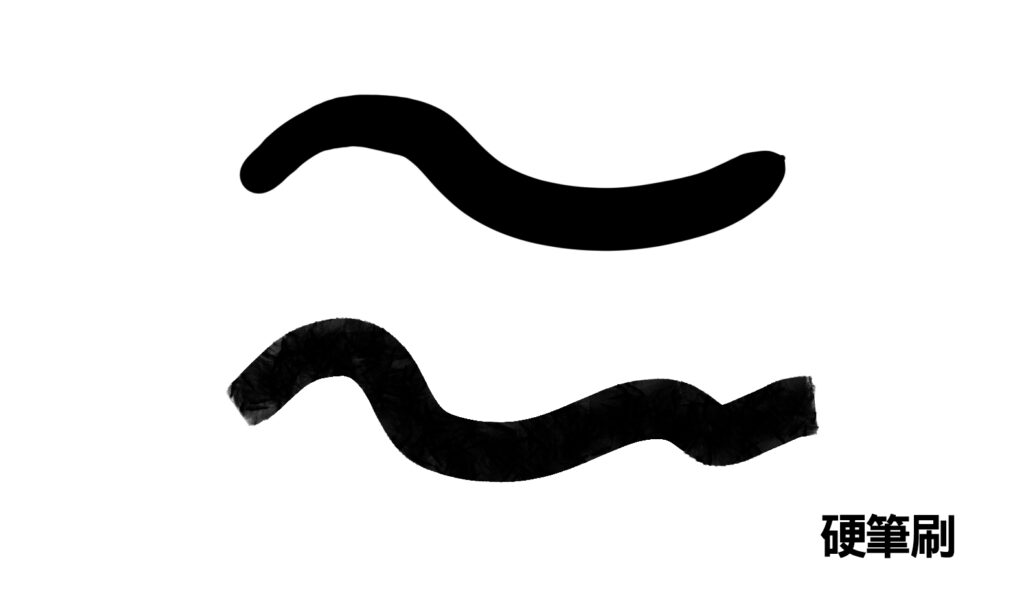
Brushes are among the most important tools in any drawing app, and Procreate ships with hundreds of built-in brushes covering pencils, ink brushes, airbrushes, and many other styles. Users can also customize brushes to their needs — adjusting pressure response, flow, texture, and other parameters — to create a signature style. This flexibility gives every artist a unique creative experience.
4. A perfect match for Apple Pencil
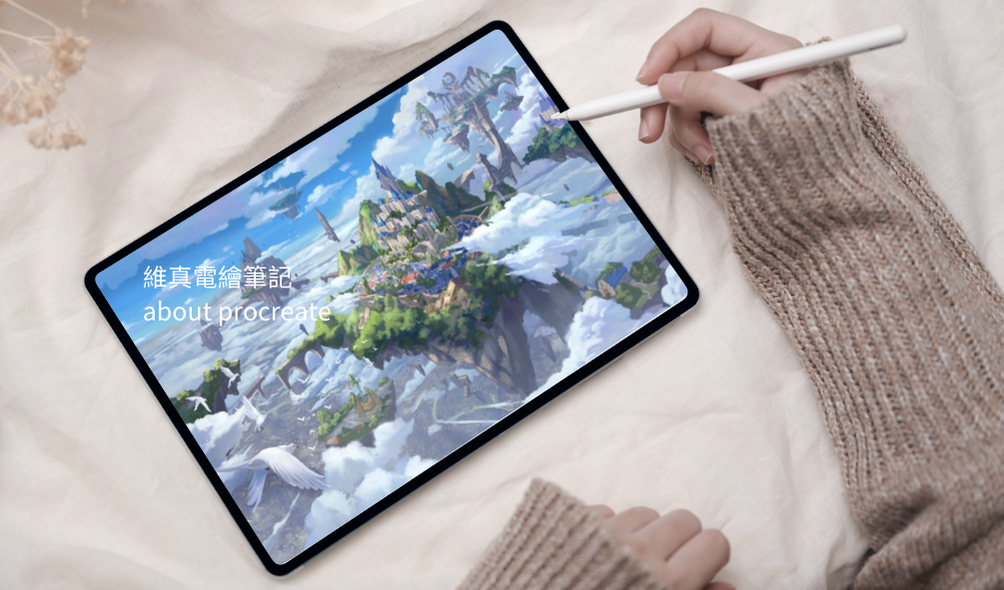
Procreate fully supports Apple Pencil, so every stroke's pressure and tilt are captured precisely. That precision matters enormously to artists, because it makes drawing feel more natural and closer to the real thing. From tiny detail work to broad, sweeping strokes, the seamless pairing of Apple Pencil and Procreate delivers an excellent drawing experience.
5. Ultra-high-resolution canvas support
Procreate supports ultra-high-resolution canvases — up to 16K x 4K. For professional designers who need high-resolution output, that's a huge advantage. Whether for digital illustration, print, or animation, Procreate delivers the fine detail professional work demands.
6. Animation features that break the static barrier
Procreate isn't limited to still images — it has a built-in timeline for frame-by-frame animation. That means you can create animations, GIFs, and short clips, a big plus for illustrators looking to branch into motion. The timeline is simple to use, suits beginners and professional animators alike, and frees your creativity from static images.
7. Time-lapse replay and sharing
Whenever you finish a piece, Procreate automatically records every step of its creation. The time-lapse replay lets you review your whole process and export it as a short video, easy to share and present. This not only lets artists look back on how a piece came together, but is also a huge convenience for anyone who teaches or showcases their work.
8. Full Chinese localization
Procreate offers a fully localized Chinese interface, making it much more convenient for Chinese-speaking users. With no language barrier to worry about, you can explore all of the app's features and get the most out of it — a very practical benefit for users across the Chinese-speaking world.
9. Rich community resources, with tutorials and support constantly updated
Procreate has a huge user community. From brushes and assets to all kinds of tutorials, you can always find rich resources to raise your craft. The Procreate team also ships continual updates, adding features and improving the experience, keeping the app at the front of the pack.
Final Thoughts
Procreate wins not only on price but with intuitive operation and professional-grade features, making it a standout among tablet drawing apps. Its powerful brush system, perfect pairing with Apple Pencil, and support for high-resolution canvases and animation help every digital artist find inspiration and realize their creative dreams. With its convenience and rich feature set, professionals and hobbyists alike can find their own creative joy in Procreate.
- Drawing software recommendations
- Apple Pencil support
- Professional digital illustration
- Procreate feature overview
- iPad illustration tools
- Great software for digital drawing
- Free brush downloads
- Procreate tutorials in Chinese
- Tablet drawing tools

Beginner friendly
Foundation level
Paid course
A Great Way to Level Up Your Digital Painting
- For anyone who wants to learn digital painting
- A wide range of painting topics to choose from
- Courses that take you from zero to advanced
Start as a beginner
Professional course
Paid course
A Professional Course That Takes You from Zero to Pro
- For anyone serious about learning digital painting
- How to enjoy both commissions and creating
- Professional training that grows commissions from 3 digits to 6