"There is no best technique — only the technique that suits you." That's my own conclusion about painting media and software.
On my digital painting journey, Corel Painter was the first painting software I ever touched. It's where my digital painting began, so naturally I hold a special affection for it.
Later I taught myself PS and used it as my main tool for quite a while, but recently I've wanted to return to Painter, to reclaim the hand-painted media strokes in my work. In terms of visual expression, I find them full of feeling. Just as I was thinking this, a painter from abroad told me: "Compared with PS, Painter's simulation of real hand-painted media strokes carries more warmth." So I decided to write about Painter in this article.
Why do I recommend giving Painter a try? Mainly for these reasons:
1. Very Natural Color Blending on the Canvas
First, Painter's founding design goal was to reproduce traditional hand-painting media faithfully and realistically on the computer. So its brush blending can realistically capture the effect of colors mixing while the paint is "half wet," as shown below:
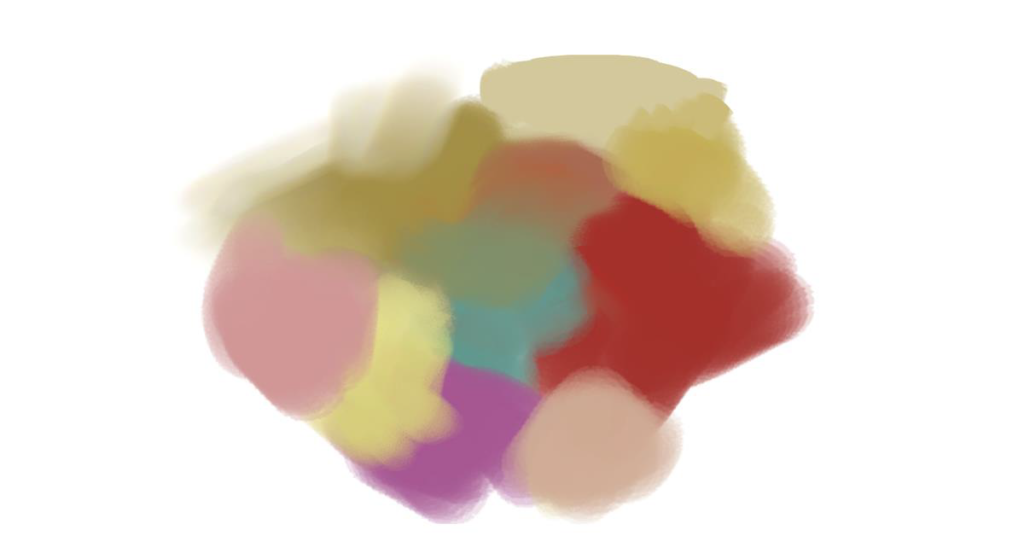
It may feel hard to control at first before you adjust to it, but it produces wonderfully free blending. Paired with sound basic color concepts, it creates blends full of warmth and feeling.
PS renders strokes in a comparatively "dry" way, as shown below:
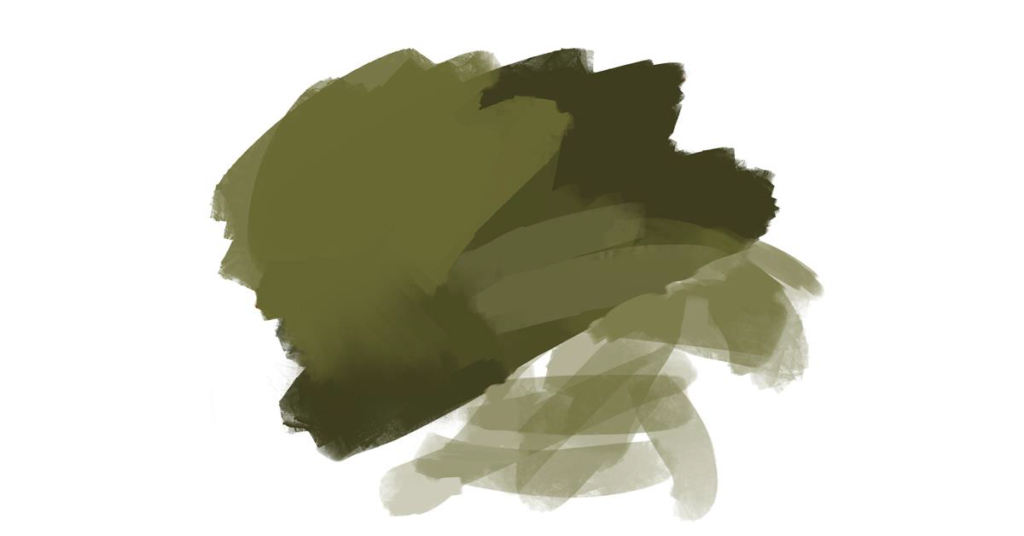
It feels more like stacking paint after it has fully dried — easier to control. But precisely because it's easy to control, it can be harder to capture the painter's expressive strokes or the chance textures that emerge while painting. Learners can compare the two characteristics and use them in combination.
2. Painter's Unique Impasto Texture
Anyone who has painted in oils will remember the thick, raised texture of oil paint.
Painter's distinctive impasto paint and oil brushes satisfy any painter chasing that thick-paint effect. Beyond the impasto feel of the strokes themselves, Painter also easily creates a visual sense of "depth" in the texture, as shown below:
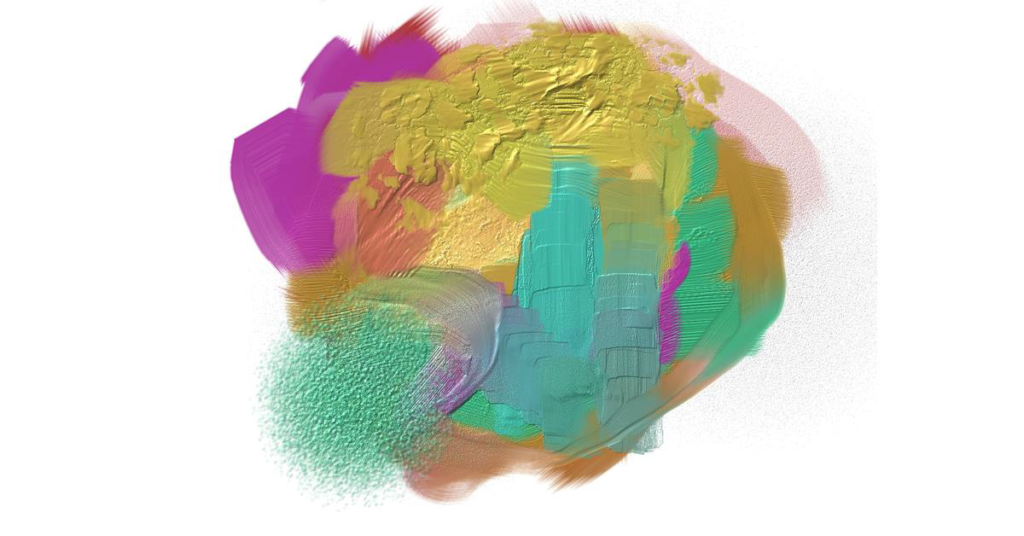
PS actually has similar features for impasto texture, but for me, Painter feels more convenient and intuitive for building impasto surfaces.
3. Wet Media Expression
Painter's digital watercolor and similar brushes make wet-media expression very convenient. The wet-dry state can be controlled through software features, so if you're already good at watercolor or want your work to carry watercolor's distinctive beauty, Painter is a great choice.
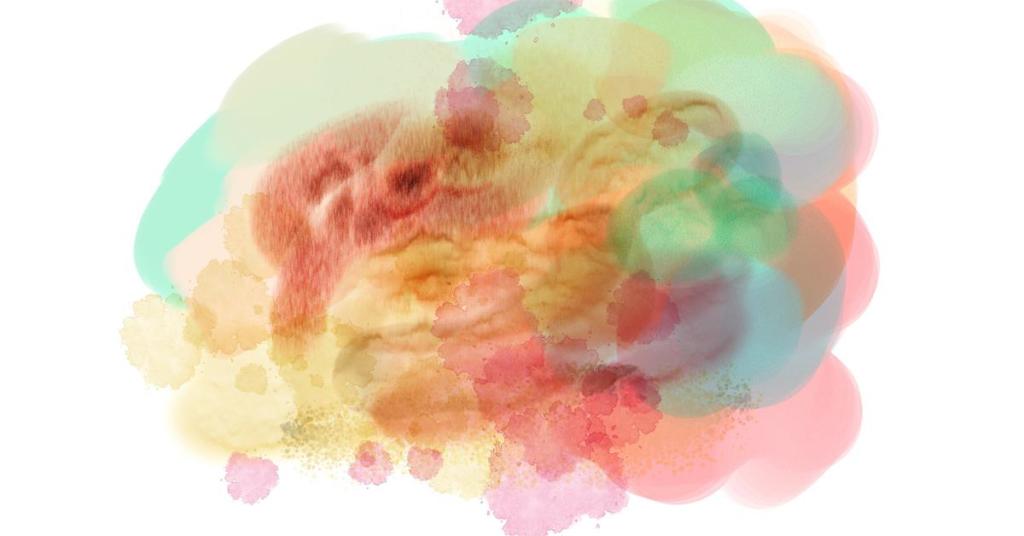
At this point, someone might ask: "So which software is actually better?"
I'll return to the point made plainly at the start: "There is only what suits you — no such thing as best."
If you've played Monster Hunter, you know the game offers many weapon types at the start. After trying them all, players settle on one or two weapons as their fixed fighting style. I think learning painting software works exactly the same way.
Painter Works Gallery
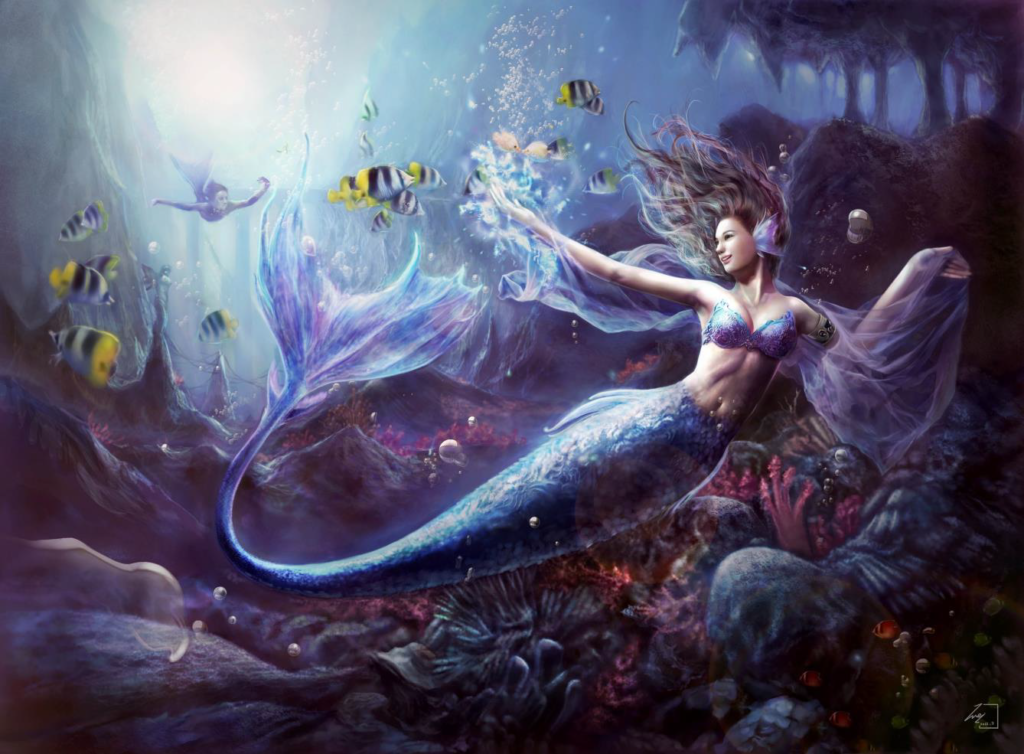
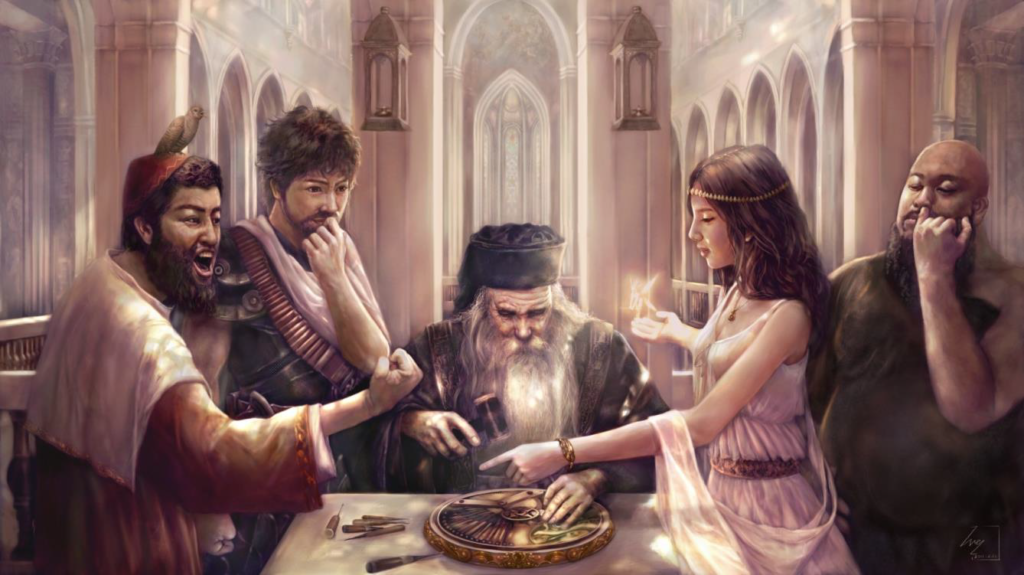
WeiChen's online digital painting courses suit many kinds of learners: those with a foundation who want to learn a new style, working people building a second skill who need flexible class times, and friends starting completely from zero — there's a wide, varied range of courses to choose from. Among the many online options, let us introduce WeiChen Studio 維真電繪筆記: we run art outsourcing across film animation, game character and scene design, publisher cover and interior illustration, advertising art, and in-person digital painting classes. We hope to use our own painting experience to help students grow their skills and help working professionals build a second specialty. WeiChen offers both paid and free online courses — recommended to everyone on the digital painting road who loves to draw. We look forward to meeting you on that road!
Learn more about our digital painting courses