
How Do I Import the Course Tool Presets into Photoshop?

Every digital painting course we share
includes the brushes and related tools used in class.
But some students mentioned they use older versions of Photoshop (before Photoshop 2020),
where the brush panel can't switch directly to the corresponding tools.
So we've gathered all the brushes used in the course
into a "tool preset" collection,
which students can download and drop into Photoshop
to use every tool from the course in older versions of PS!!
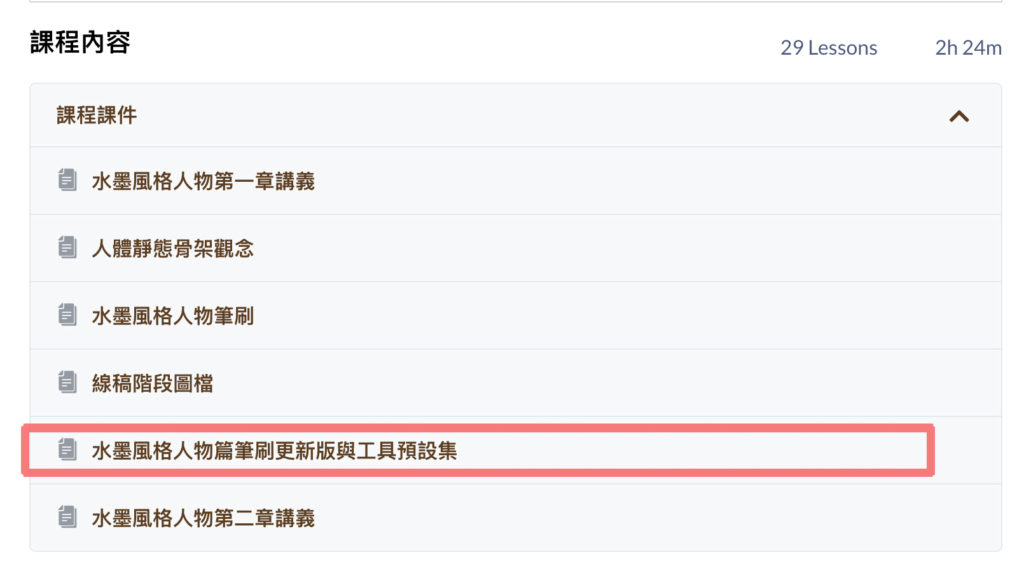
In the September 15 update for the second cohort of the Ink-Style Characters course,
we uploaded the updated brush panel and tool presets (shown below).
Please download their ZIP files.
How Do I Install the Tool Presets?
Here's how to install them.
Please follow the steps shown in the video.
https://gallery.weichenstudio.com/posts/photoshop-howtouse-tool-presets/1.mp4If you have any questions, feel free to reach out anytime.
Our email is:
weichenclass@gmail.com
Thank you, everyone!! 😊
Learn more about our digital painting courses