As technology advances rapidly, many in-person activities have moved online — online courses, online reservations, online shopping — and the digital world has gradually woven into daily life. Digital painting is one of the professional skills of this digital generation: online games, animated films, and all kinds of design rely on computer graphics for design and illustration. And as technology pushes forward, more and more companies need digital painting professionals. Many people who want to develop this skill hope to learn it quickly and from many angles. There are plenty of resources and free tutorials online, but most are scattered and complex, without a complete curriculum. In such an environment, how do you learn computer graphics efficiently? And how do self-study, in-person classes, and online courses differ?
How Do You Learn PS Digital Painting Efficiently?
With so many resources online, people often buzz around like headless flies — learning without a system wastes time hunting for materials and studying techniques you may never use. For the craft of drawing, "true efficiency lies in building solid fundamentals." It takes time to progressively build your composition, stroke control, color sense, and creativity. Below, we'll walk step by step through building your abilities in a structured way, so you can learn digital painting efficiently.
1. Cultivating stroke control and color sense:
Start by practicing with pen and paper to get comfortable with compositional strokes. There are many sketching tutorial videos online you can follow to build your basic drawing feel. Five key directions:
- Basic sketching practice: Start with the simplest shapes, then print out drawings with clear outlines — people, buildings, objects, plants — and trace the lines with a pen, practicing the feel of different strokes to build fluency.
- Sketching light and shadow (values): Values divide into light, midtone, and dark. Practice value changes on a cube first, then vary the forms — spheres, lettering, still lifes, and so on.
- Sketch composition: Copying studies is a vital stage. Through studies you strengthen your grasp of structural proportion and deepen your control of line.
- Sketch perspective: Perspective drawings build your sense of spatial structure, scale, and near-far proportions.
- Cultivating color sense: Understand the three primary colors and sharpen your sensitivity to color and agility in applying it.
2. From Physical to Digital — Drawing Tablet & Photoshop
[Using digital painting tools]
- The stylus — practicing pen feel:
A stylus tip feels different from a physical pen when drawing lines. Some people say they switched painlessly, but most need time to bond with the pen and get used to how drawing feels with it. Start by practicing lines, then move on to capturing curves and arcs. - The tablet — using the tool:
When drawing on a computer, the tablet driver is absolutely essential. Only with the driver can the tablet sense the pressure of our strokes; without it, the tablet becomes "just a slightly easier-to-control mouse." So how do you install a tablet driver?
After installing the tablet driver, you've surely noticed the buttons on the tablet! Setting them as shortcut keys massively upgrades your drawing efficiency. How do you set them up?
https://www.youtube.com/watch?v=2re628UzI8E&ab_channel=%E7%B6%AD%E7%9C%9F%E9%9B%BB%E7%B9%AA%E7%AD%86%E8%A8%98*The links above are free online lessons from WeiChen Studio 維真電繪筆記. More digital painting courses are on the way — beginner courses, advanced courses, and tutorials in different styles — and plenty of free lessons are already available online.
[Using Photoshop]
There are already many basic PS tool tutorials online, and the official Photoshop site offers guides that explain what each feature does. With so many resources to choose from, it can be hard to know where to begin — but once you understand layers and how the tools work, you can formally set out on your digital painting road! Below are two free basic PS tutorials.
https://www.youtube.com/watch?v=rEAEI2wRpiU&t=1s[More Online Photoshop Digital Painting Courses]
3. Learning drawing styles
Start practicing techniques in a style you already know, then branch into different drawing styles. For visual references, try libraries like Pinterest and ArtStation. There are also many different online courses to choose from.
Summary
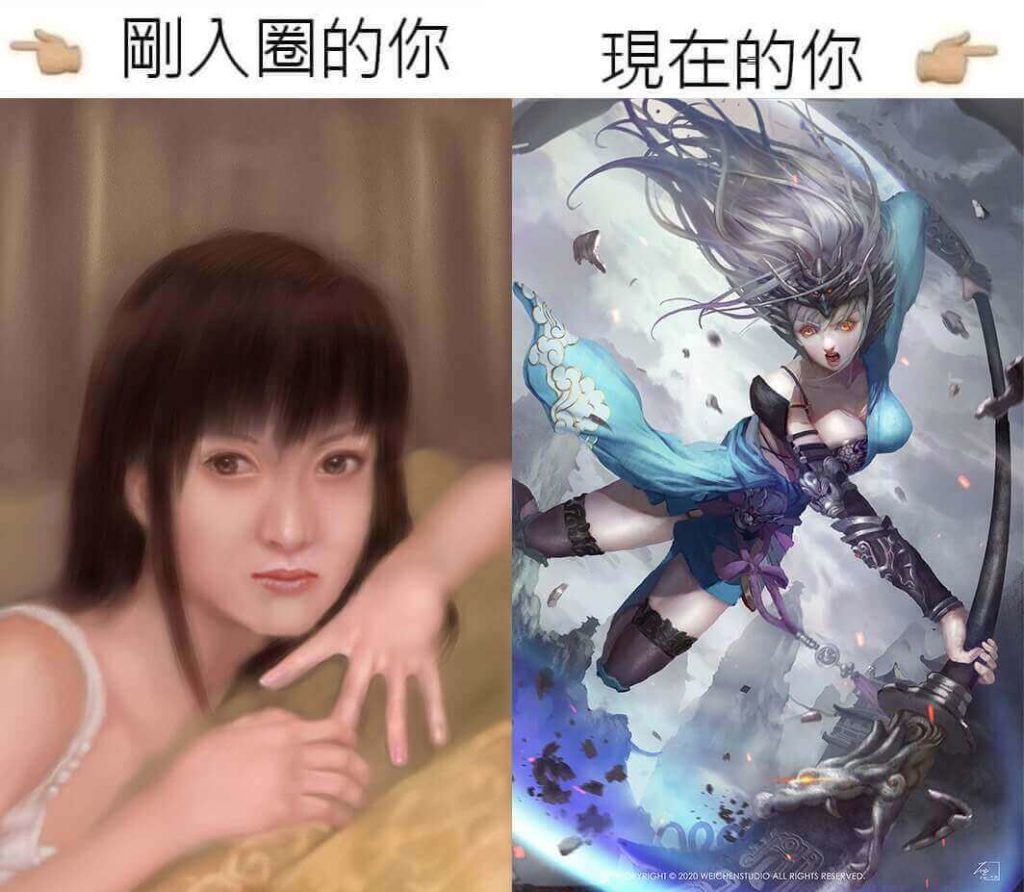
The digital painting road is like an online game: you first grind your fundamentals and gear in the newbie village, and only past level 200 do you leave it. Do you keep hitting walls or struggling to even find the problem? What then? That's when a mentor's guidance helps — you can hunt for answers online, or simply buy an online course and let a professional teacher build you up solidly from the basics, then take courses in different styles to diversify your range! You've surely noticed the foreshadowing by now — allow us to formally introduce WeiChen Studio 維真電繪筆記. WeiChen has extensive drawing experience (film animation, game character and scene design, and more), has taught at colleges and universities, and has held lectures on multimedia and character and scene design. We hope to use our own painting experience to help students grow their skills and help working professionals build a second specialty. WeiChen offers both paid and free online courses, recommended to every companion on the digital painting road — we look forward to meeting you there!
Popular Online Digital Painting Courses
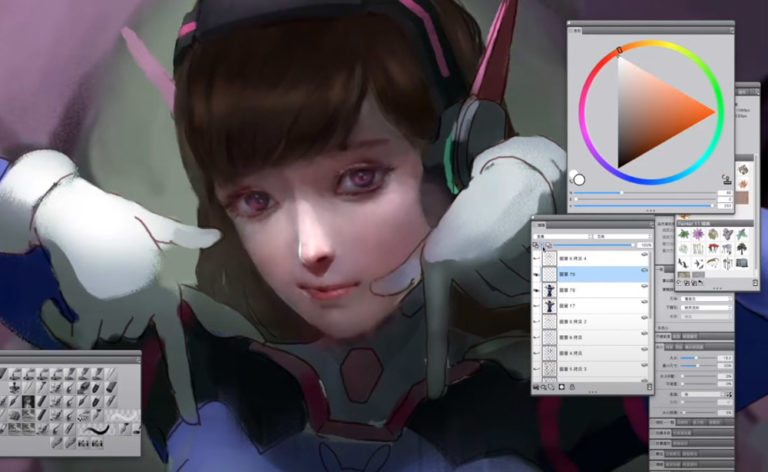
Overwatch Fanart Painting Process (Overwatch - D.va TT)
 By
Wei Chang
Enroll
By
Wei Chang
Enroll
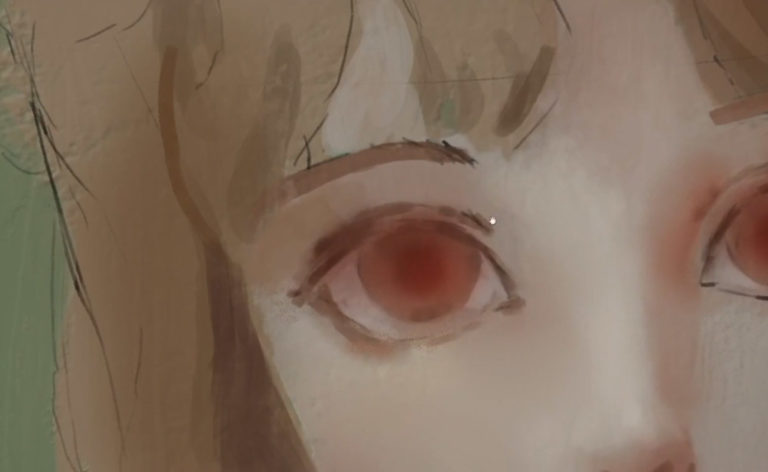
Photoshop Painting Process - Sunshine Girl
By
Wei Chang
Enroll
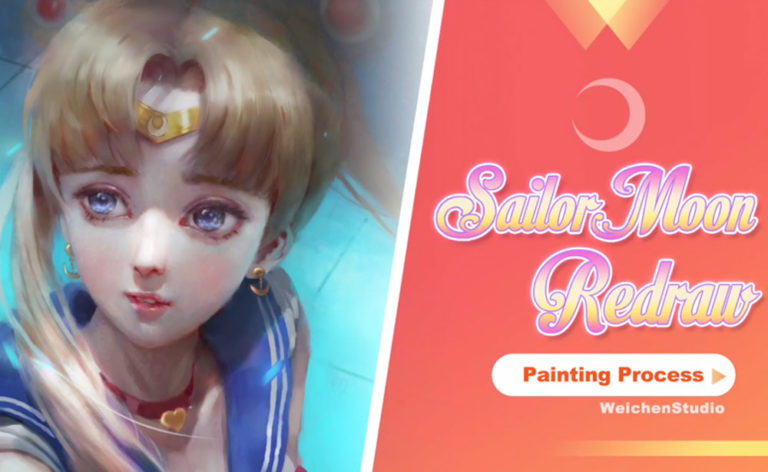
Sailor Moon Redraw Process
By
Wei Chang
Enroll
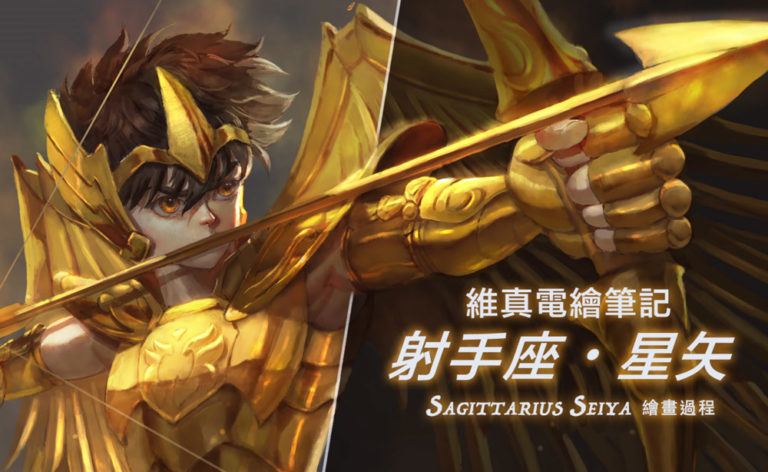
Digital Painting Time-Lapse: Sagittarius Seiya Painting Process
By
Wei Chang
Enroll
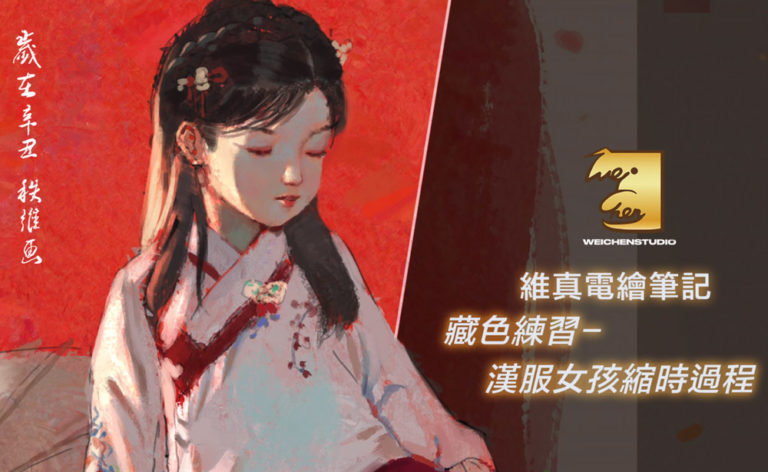
Time-Lapse: Hanfu Girl Practice Painting Process
By
Wei Chang
Enroll

Tablet Driver and Shortcut Setup (Huion Edition)
By
Wei Chang
Enroll
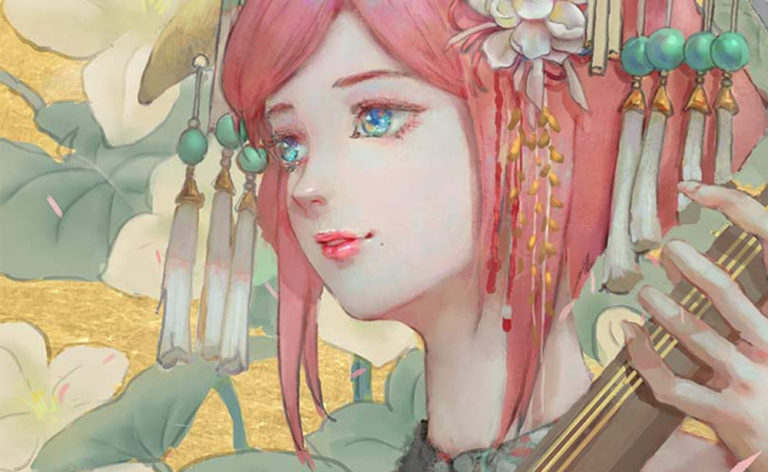
Ink-Style Characters
By
Wei Chang
NT$2,500
Add to cart
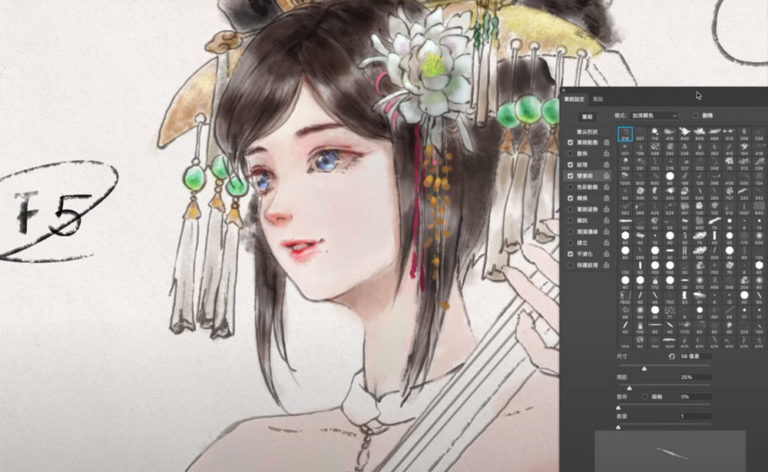
Photoshop Digital Painting Basics 2 - Making the Most of Tools: Brush Settings and Brush Modes
By
Wei Chang
Enroll

How to Learn Impasto Painting | Livestream Course Clip
By
Wei Chang
Enroll

What Commission Clients Taught Me | Livestream Course Clip
By
Wei Chang
Enroll
Learn more about our digital painting courses