In this digital era, we enjoy unprecedented creative freedom and tools. Digital painting software has opened endless possibilities for illustrators and concept designers, letting creativity flow freely across a virtual canvas. These programs offer all kinds of brushes, colors, and effects, allowing creators to express their ideas in ways never before possible. Before starting digital painting, you may have no idea what to learn or what software and hardware to prepare. Today, let's talk about which software makes a good entry point if you want to start painting digitally!
Drawing Software Recommended by Professional Artists
In this article, we recommend several popular drawing programs well suited to illustration and concept design: Adobe Photoshop, Procreate, Clip Studio Paint, and Krita.
1. Adobe Photoshop (PS)
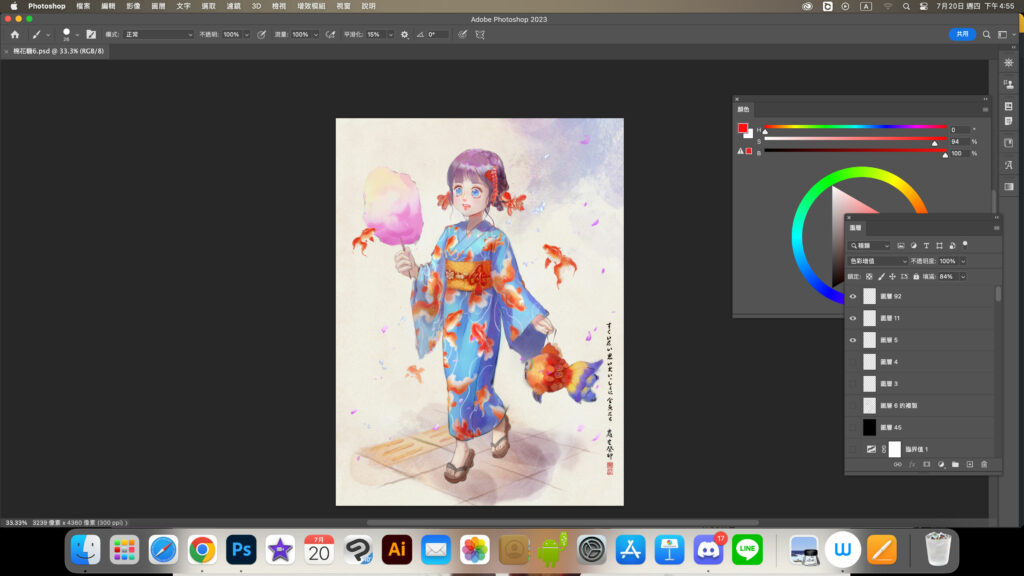
This is a highly regarded drawing program offering rich tools and features for illustrators, designers, and photographers. Whether for digital painting or image processing, it's essential learning!
Features:
Painting tools: A wide range of tools — brushes, pencils, erasers, and more — letting illustrators create diverse painting effects.
Layers: Layers are Photoshop's core feature, allowing illustrators to edit each element independently without affecting others, making revisions and adjustments easy.
Custom brushes: Photoshop supports custom brushes, so illustrators can build all kinds of painting brushes and add a unique style.
Blending modes: This feature lets illustrators blend colors and imagery between layers to create complex visual effects.
Path tools: Suited to vector illustration, helping illustrators create, edit, and transform shapes.
Hands-on impressions:
Learning curve: Photoshop is powerful and versatile, with a fairly steep learning curve. Beginners may need to invest some time getting familiar with its tools and features.
Creative range: Photoshop gives illustrators a broad set of tools and effects, and many accomplished artists share brush packs online, so there are plenty of community resources.
- Learn the shortcuts: Mastering Photoshop's keyboard shortcuts boosts efficiency and keeps the creative flow smooth.
Practical uses:
Digital illustration: Use a stylus with Photoshop's painting tools and effects to create distinctive illustrations.
Graphic design: Beyond illustration, Photoshop also suits graphic design work such as posters and business cards.
Price: Adobe Photoshop is part of Adobe Creative Cloud, and pricing varies by subscription plan. Typically, the individual plan runs about NT$600–700 per month; the full All Apps plan is usually discounted to under NT$1,000 for the first year, then NT$1,680 in the second. Student and education plans are usually available at around 40% off. These prices are for reference — check the official site for actual pricing.
Who it suits: Adobe Photoshop is a great fit for illustrators, especially artists creating for digital media. People well suited to Photoshop include:
- Online illustrators: Those creating illustrations for the web or working in digital illustration benefit from Photoshop's rich painting tools and effects.
- Graphic designers: Photoshop's features go beyond illustration and are very practical for graphic design work.
- Educators: Teachers can use Photoshop to produce teaching materials and courseware.
Summary: Adobe Photoshop is extremely valuable for illustrators. Its powerful painting tools, layers, and custom brushes help bring rich and varied creative ideas to life. The learning curve is steep, but with steady practice and shortcut fluency, illustrators can wield Photoshop smoothly to produce excellent work. It suits illustrators of every age and background, especially artists and designers creating for digital media.
2. Procreate
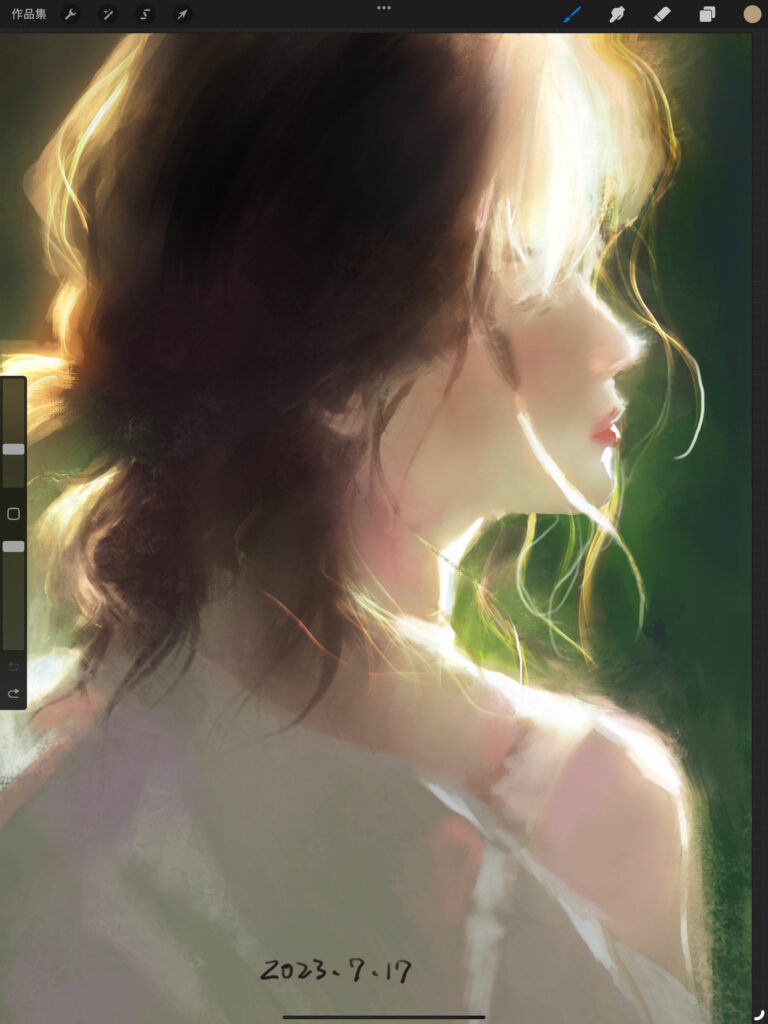
This is an excellent digital painting app designed for iPad, letting creators make art in the palm of their hand. With tablets more common than ever, painting anywhere, anytime is no longer difficult.
Features:
Digital painting tools: Procreate offers a variety of tools — brushes, erasers, drawing pens — for free-form creation on iPad.
Multiple layers: Illustrators can work with multiple layers in Procreate, making revisions and adjustments flexible and convenient.
Custom brushes: Procreate lets users customize brushes to create unique effects and styles.
Animation: Recent versions of Procreate add animation features, letting illustrators produce simple animations.
Time-lapse recording: Procreate records your creative process automatically, making it easy to showcase your work on social media.
Hands-on impressions:
Intuitive operation: Procreate's interface is very intuitive; anyone familiar with the iPad and stylus will pick it up easily.
Efficient work: Procreate is extremely responsive, letting illustrators work more efficiently.
Community sharing: Procreate has an active community, and users share work on social media and connect with other creators.
Multiple formats: Procreate supports many file formats, convenient for post-processing and sharing on other devices.
Practical uses:
Illustration: Procreate's rich brushes and painting tools let illustrators unleash their creativity and produce beautiful work.
Digital picture books: Procreate is great for story-driven work, including digital picture books and comics.
Design drafts: Since an iPad travels easily, Procreate works not just for illustration but also for design drafts and quick sketches.
Price: Procreate is an iOS-exclusive app for iPad, priced around NT$330 as a one-time purchase with no subscription fees.
Who it suits: Procreate is a highly valuable digital painting tool for illustrators, especially artists and designers who love creating on iPad. People well suited to Procreate include:
Artists: For young artists just starting out in illustration, Procreate offers a simple, intuitive platform.
Illustrators: Illustrators and designers creating for digital media benefit from Procreate's rich painting tools and effects.
Independent creators: For freelancers and independent creators, it's a convenient, efficient tool for producing work with ease.
Summary: Procreate is a powerful, intuitive digital painting app, ideal for illustrators creating on iPad. Its many tools and effects let illustrators express unlimited creativity and produce beautiful illustrations. Priced affordably, it suits illustrators of every age and background — especially artists and designers who love creating on digital media.
3. Clip Studio Paint (CSP)
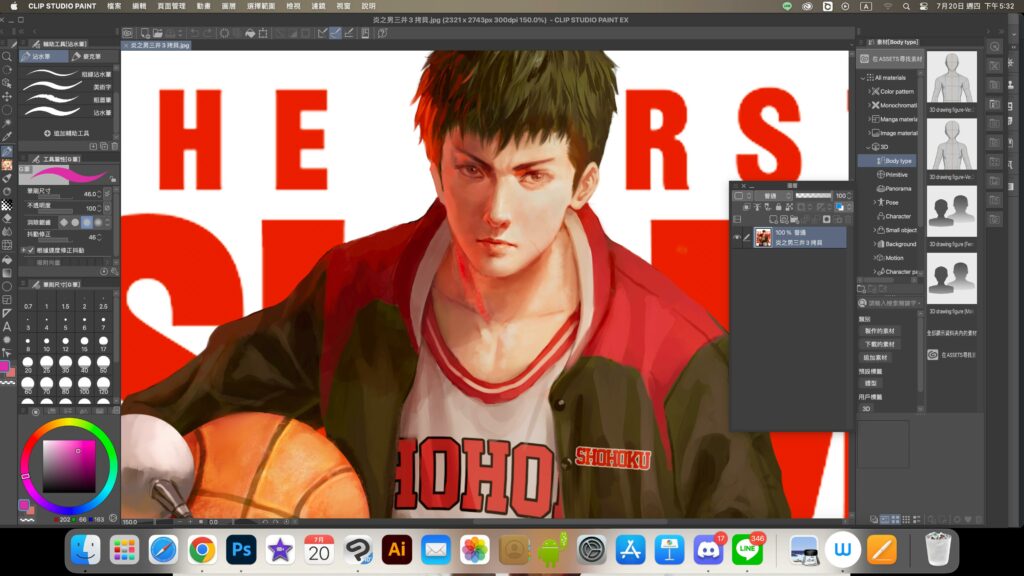
This is professional-grade illustration and comic creation software, beloved by illustrators and comic artists. Its interface is packed with features — 3D assets, brushes, perspective rulers, and more are all excellent. That makes it easy to get started but hard to master everything. Personally, though, I believe that once we've mastered the features we use daily and they effectively support our work, we don't need to know it all. Understanding tools matters, but what matters most is cultivating your own aesthetic sense.
Features:
Painting tools: Rich tools including brushes, pencils, and watercolor, with pressure and tilt sensitivity for precise painting.
Extensive brush settings: Many built-in brush types, plus custom brushes so you can build unique brushes for your illustration style.
Vector drawing: Built-in vector tools, convenient for vector illustration that scales without losing quality.
3D models: Clip Studio Paint's 3D model feature lets you quickly set up and paint over 3D models, a great help for perspective and character angles.
Palette management: Create and manage custom color palettes for easy access to specific color combinations.
Hands-on impressions:
Illustration-focused: CSP is dedicated to illustration and comics; its tools and features are tailor-made for illustrators and intuitive to use.
Stroke stabilization: CSP's stabilization smooths your strokes, improving line precision and beauty.
Comics support: Beyond illustration, Clip Studio Paint provides rich comic-making features, such as page layouts and speech bubbles.
Process recording: Clip Studio Paint can record your creative process, handy for reviewing and sharing how a piece was made.
Practical uses:
Creative illustration: With CSP's painting tools and brush settings, illustrators can create distinctive, rich illustrations.
Digital comics: With the built-in comic tools, illustrators can produce professional-quality digital comics.
Character design: With the 3D model feature, illustrators can easily draw characters in all kinds of three-dimensional poses.
Teaching: Using CSP's process recording, illustrators can produce tutorials and share their techniques with other creators.
Price: CSP comes in Pro and EX editions, with pricing that varies by plan and term. Typically, a one-time purchase of Pro runs about NT$1,400 and EX about NT$6,150. Special promotions appear on holidays or on the official site — the equivalent of Black Friday sales overseas.
Who it suits: CSP is powerful software focused on illustration and comics, suited to illustrators of every age and background — especially artists and designers creating illustration and comics for digital media. Its professional comic features also make it excellent for comic fans and creators. Professional illustrators and hobbyists alike can find the right creative platform in Clip Studio Paint.
*These are the programs we currently use most, and our site's free and paid courses include related tutorials.
[More Online Photoshop Digital Painting Courses]
4. Krita
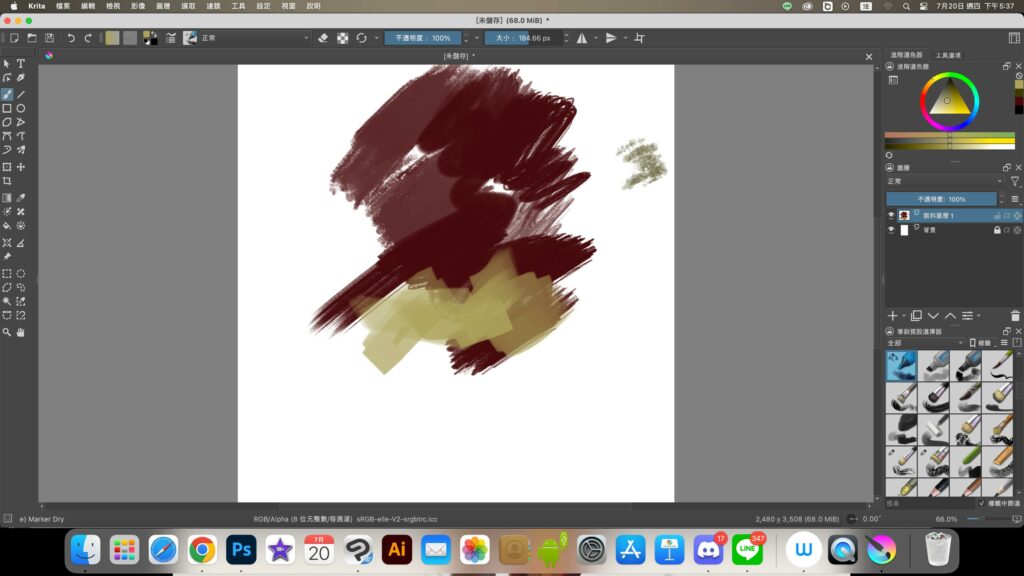
This is free, open-source software offering many professional-grade painting features — great for creators on a budget.
Features:
Free and open source: Krita is free and open-source drawing software, meaning it can be downloaded and used at no cost, with source code open to developers for customization.
Painting tools: All kinds of tools — brushes, pencils, erasers — with pressure and tilt sensitivity for high-precision results, organized in a way that echoes traditional drawing concepts.
Multiple layers: Illustrators can use layers in Krita for easy revision and adjustment, with layer filter support.
Path tools: Krita includes path tools suited to vector illustration.
Highly customizable: Krita lets users customize shortcuts and workspaces for a personalized creative environment.
Hands-on impressions:
Art-focused: Krita is drawing software built for artists and illustrators, with a clean, understandable interface that keeps the focus on creating.
Excellent brushes: Krita ships with many excellent brushes, and more can be downloaded from the community, offering great creative freedom.
Community support: Krita has a passionate community where users seek help, share work, and exchange experience on the forums.
Practical uses:
Illustration: With Krita's painting tools and brush settings, illustrators can easily create work in many styles.
Comics: Krita provides rich comic-making features, well suited to illustrators creating comics and stories.
Color design: With Krita's palette management and layers, illustrators can create colorful, varied work.
Textures and effects: Krita supports many textures and effects, adding tactility and depth to illustrations.
Price: Krita is free open-source software — download and use it at no cost, with no subscription.
Who it suits: Krita suits illustrators of every age and background, especially artists and designers who prefer free, open-source software. Its rich painting tools and brush settings satisfy professionals and hobbyists alike. For illustrators who want a highly customized creative environment, Krita is also an excellent choice. Whether you're a professional illustrator or a beginner art lover, Krita is a feature-rich, free option.
Summary
In short, all of these drawing programs serve illustration artists well. Adobe Photoshop, as a powerful drawing and image-processing tool, is indispensable for designers and photographers. Procreate and Clip Studio Paint are better suited to digital painting and illustration on iPad and PC respectively. And Krita, as free open-source software, is an excellent option for creators on a budget. Choose the software that fits your needs and budget, and create stunning illustration and concept design work.
I hope this introduction helps you find the drawing software that best fits your creative style and needs. These programs aren't just tools — they're canvases full of inspiration, letting your creativity soar and turning your ideas into breathtaking art.
Let's set out on this digital creative journey together, and let these excellent drawing programs carry us through the first step toward great work!
Popular Online Digital Painting Courses
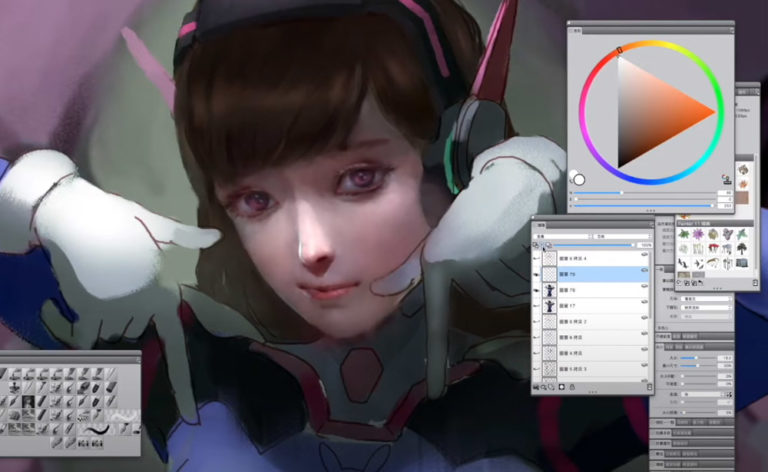
Overwatch Fanart Painting Process (Overwatch - D.va TT)
 By
Wei Chang
Enroll
By
Wei Chang
Enroll
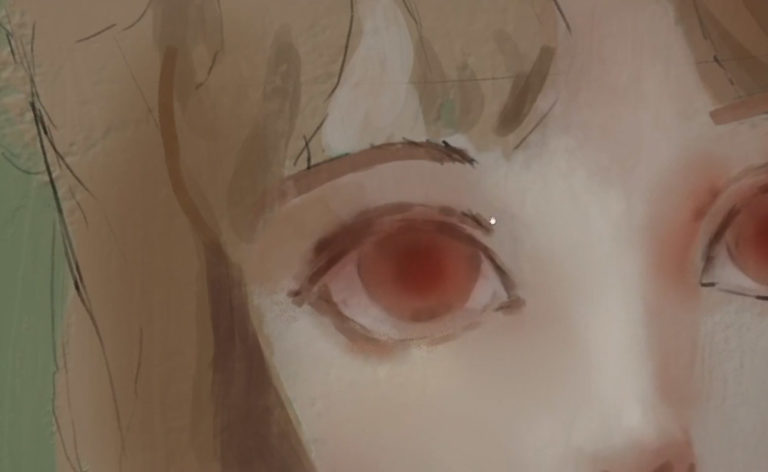
Photoshop Painting Process - Sunshine Girl
By
Wei Chang
Enroll
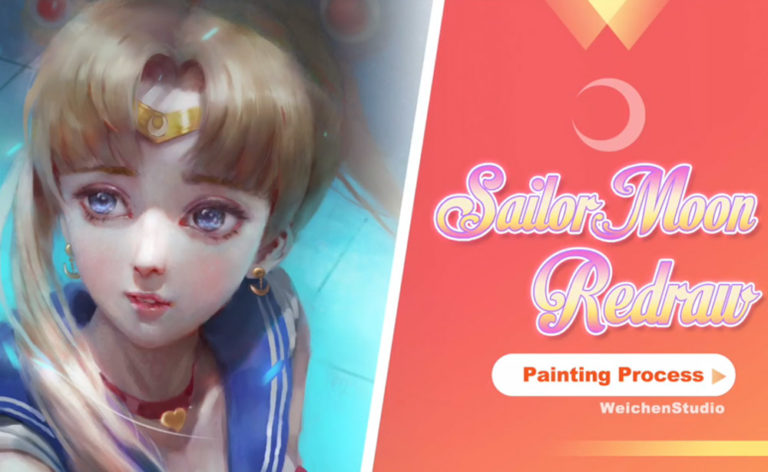
Sailor Moon Redraw Process
By
Wei Chang
Enroll
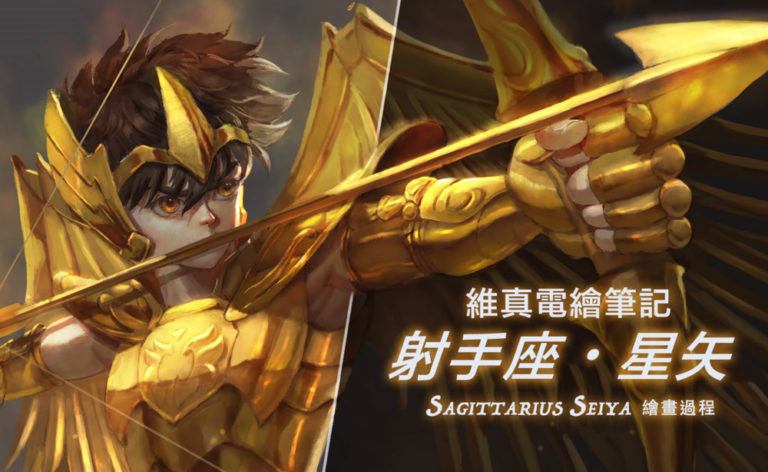
Digital Painting Time-Lapse: Sagittarius Seiya Painting Process
By
Wei Chang
Enroll
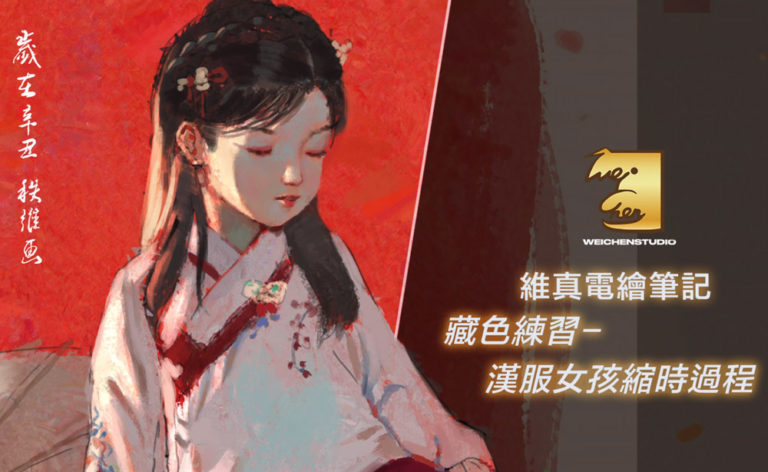
Time-Lapse: Hanfu Girl Practice Painting Process
By
Wei Chang
Enroll
Tablet Driver and Shortcut Setup (Huion Edition)
By
Wei Chang
Enroll
Ink-Style Characters
By
Wei Chang
NT$2,500
Add to cart
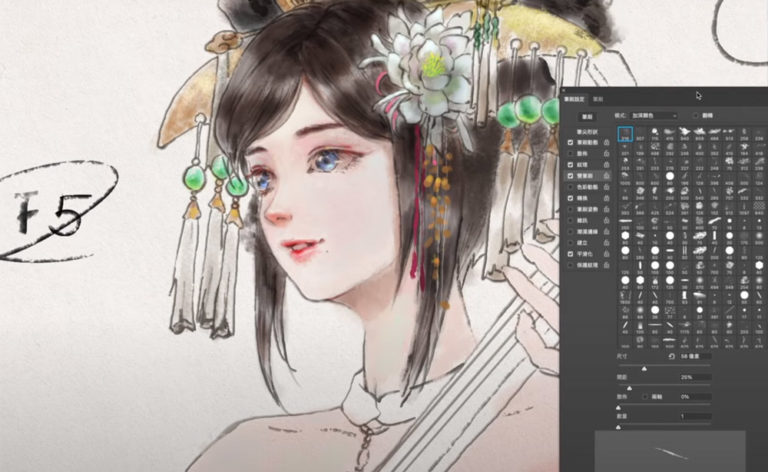
Photoshop Digital Painting Basics 2 - Making the Most of Tools: Brush Settings and Brush Modes
By
Wei Chang
Enroll
Photoshop Digital Painting Basics x Personalized Creature Character Design
 By
Wei Chang
Start learning
By
Wei Chang
Start learning

Draw Your Own LINE Stickers | Static Stickers
By
Wei Chang
Start learning
Learn more about our digital painting courses