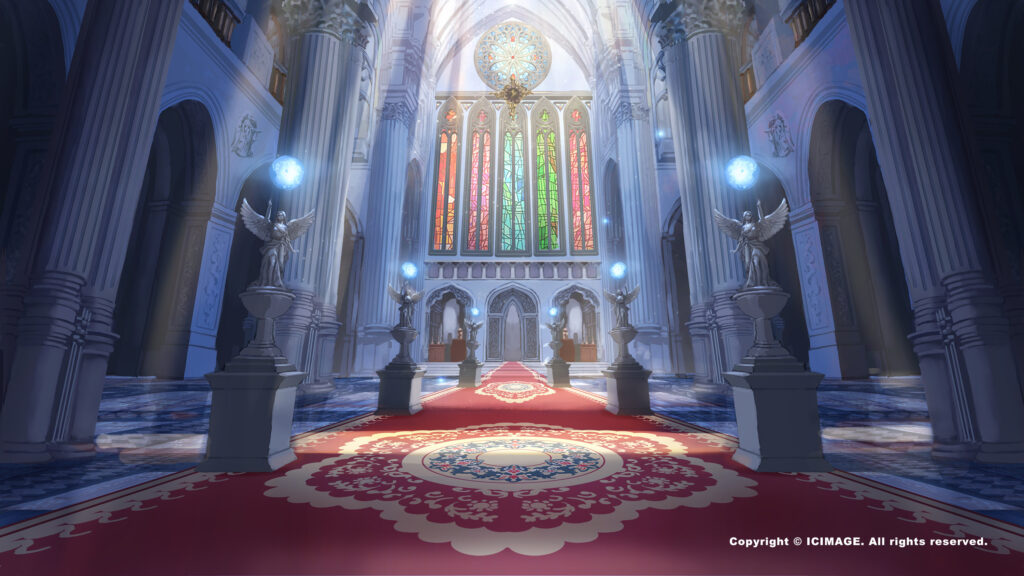
How to Paint Character Backgrounds in Scene Design
In scene design, painting the character's background is a vital step in giving a character emotional depth and story. A well-designed background lets viewers quickly understand who the character is, their personality, and the world they inhabit. In this article, we'll walk through how to think about character backgrounds in scene design and analyze how to weave design elements into your work.
1. Understand what the background means
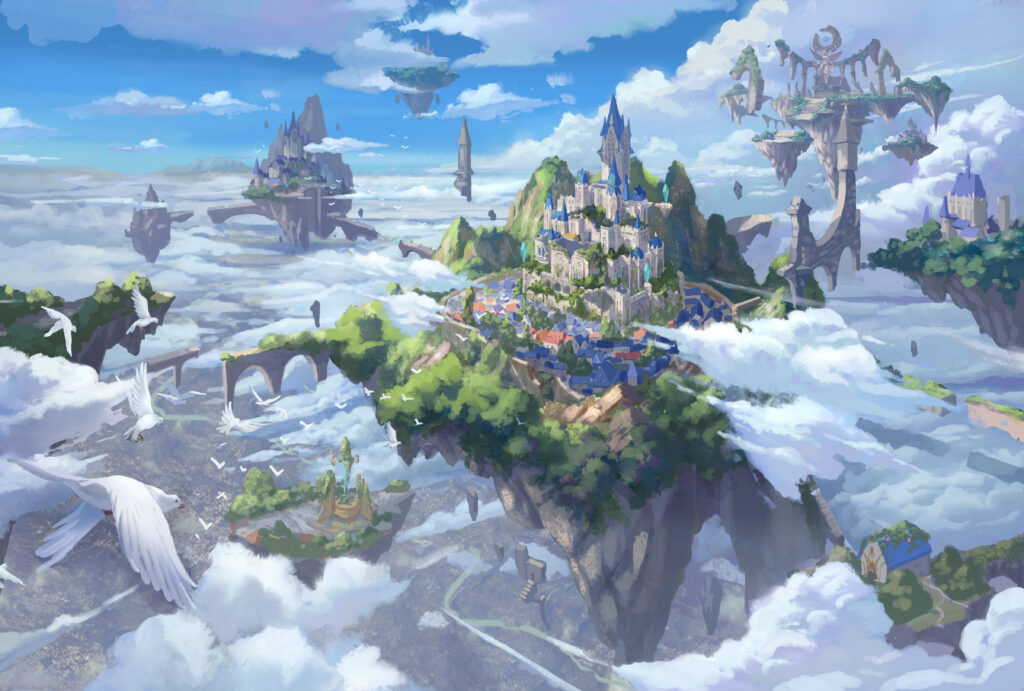
Before you start painting, clarify the intent behind the character's background: Who is this character? Where are they from? Why are they in this scene? The answers help you shape details that fit the situation. A few design pointers:
- Personalized details: for example, an introverted scholar might be backed by stacks of books and soft lamplight, while an adventurer might have rugged terrain and gear.
- Setting the emotional mood: emphasize the character's emotions through lighting and color. A dim background can add mystery, while a bright scene suits a cheerful personality.
2. Painting techniques: deconstruct the scene step by step
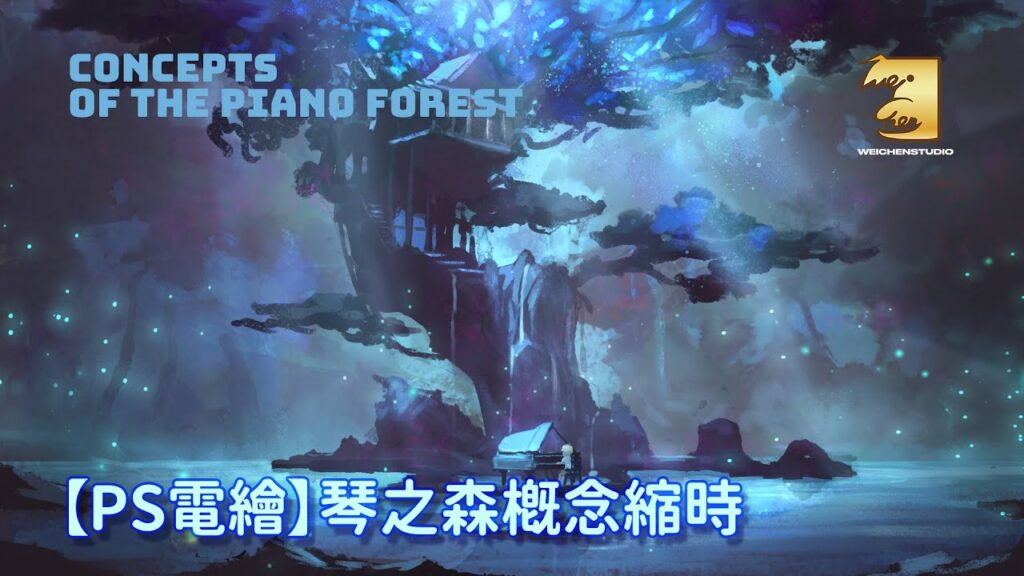
Choose the right viewpoint The viewpoint directly shapes how viewers perceive the character's background. A high angle can highlight a character's loneliness, while a low angle adds a sense of authority.
Build a layered composition Divide the image into foreground, middle ground, and background:
- The foreground can hold slightly blurred objects to create depth.
- The middle ground is the main stage for the character and key objects.
- The background supplies overall story cues, such as classical architecture, a forest landscape, or a modern city.
Use light and shadow Apply three-point lighting to make the character stand out while softening the background. Ambient light builds the overall mood, and rim light strengthens the separation between character and background.
3. Working with color and materials
Color schemes
When painting a scene, choose a color scheme that fits the theme. For example:
- Adventure themes: use warm tones (like orange and red) combined with deep shadows.
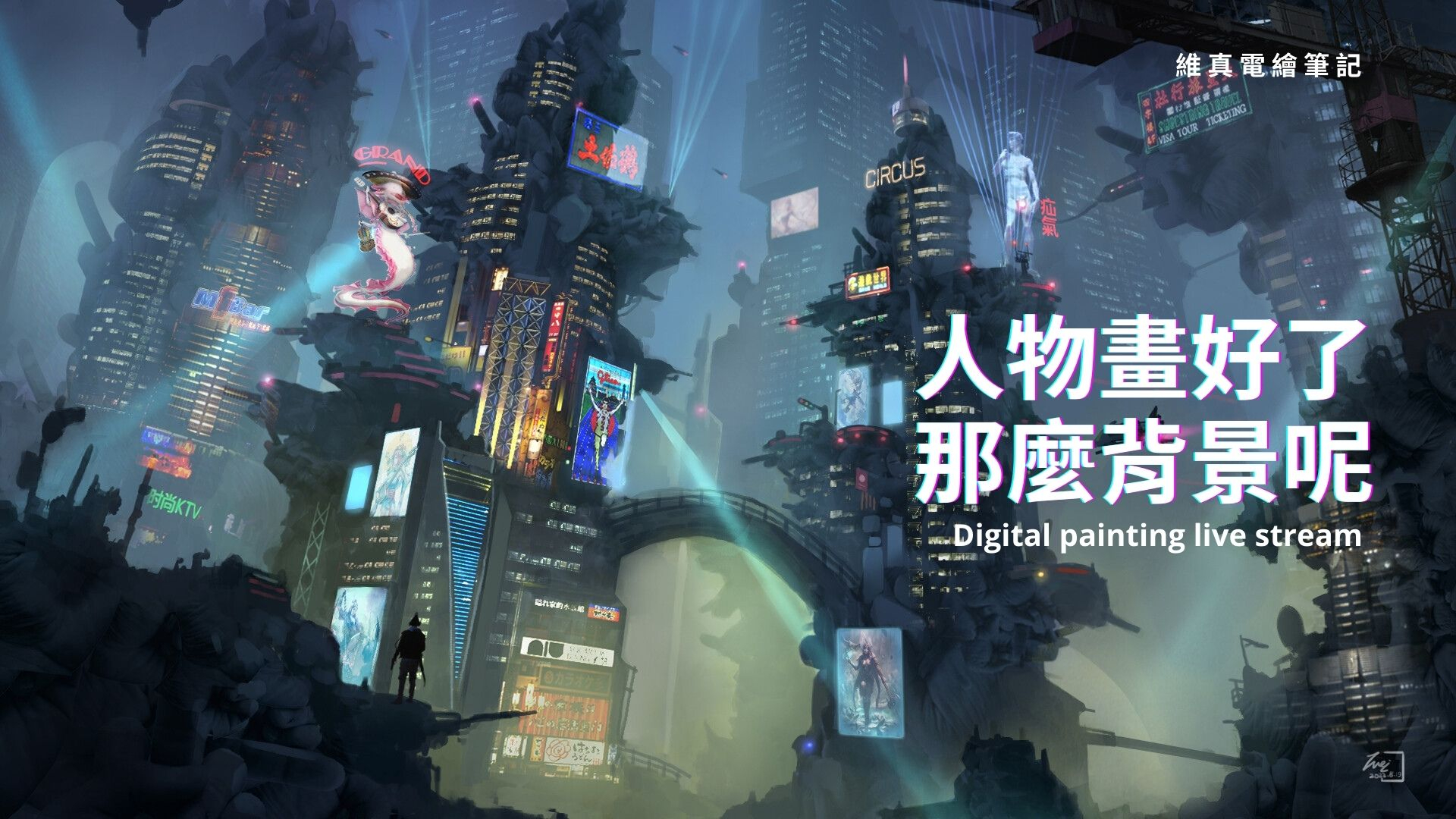
- Sci-fi themes: use metallic cool tones (blue, silver) with high-contrast lighting.
Rendering materials
Use digital brushes to simulate different materials (such as wood grain, cracked stone, or the sheen of silk) to make the scene feel more real.
4. Bring the work to life: details and motion
Add story cues Small objects in the background can carry the character's backstory. A torn photograph or a knocked-over teacup can hint at the character's emotional state.
Dynamic elements Adding wind-blown leaves, waving flags, or reflections on water brings energy and realism to the image.
5. Recommended digital tools and resources
Digital drawing software Use professional software such as Photoshop or Clip Studio Paint — or Procreate on a tablet; their layer management and brush effects are ideal for handling scene details.
Free resources
- Stock sites: find high-quality background references on Unsplash or Pixabay.
- Brush downloads: get specialized brushes for wood grain, smoke effects, and more from resource platforms to boost your efficiency.

Final Thoughts
With the steps and techniques above, you can build scene designs with depth and appeal, and tie the character's background tightly into the overall image. If you'd like to learn more, check out our other articles or join our free drawing classes!
As you create, keep practicing and experimenting with different styles so your work is full of story and emotion!
We hold free seminars every week — you're welcome to reserve a spot in a free livestream lecture. It should give anyone hoping to improve in these areas a much clearer learning direction!
Tap here to join our official LINE account and book a class
If you have any questions, feel free to ask in our Discord server!
Tap here to join the WeiChen Studio community Discord