
Thank you for supporting our courses!
Hi, new classmates!
I'm Wei, instructor at WeiChen Studio 維真電繪筆記, and I'm delighted you've joined us! On your journey of learning digital painting ahead, I hope the information and experience we share bring you real help. Before you start learning, to get the most out of your studies, here are a few things everyone should note — please be sure to read them before class.
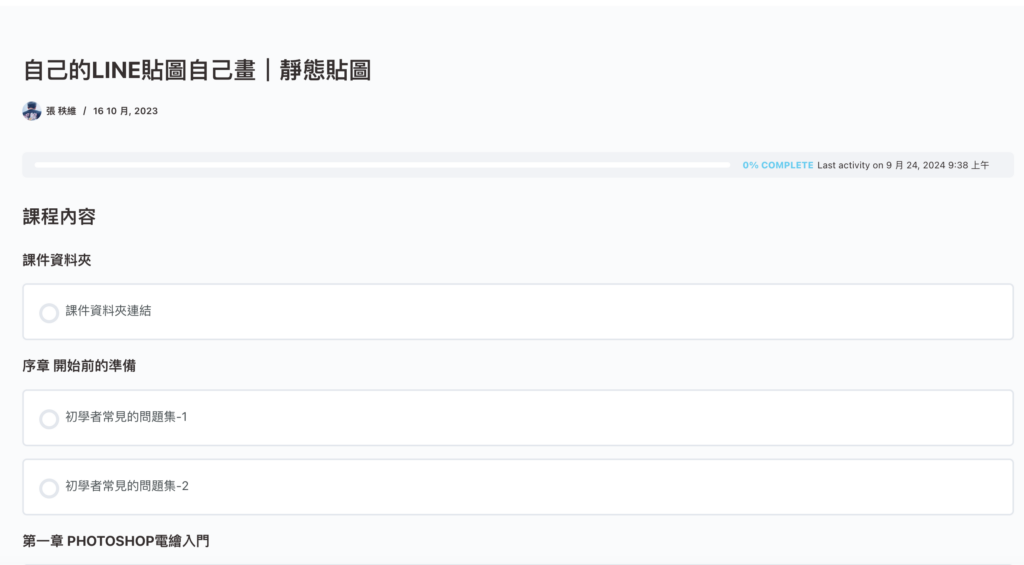
1. How do I watch my courses?
Below is the flow for watching courses after logging in. If a site update ever prevents you from logging in normally, please notify us via the Discord server, email, or our official LINE, and we'll send you a temporary viewing link as soon as possible.
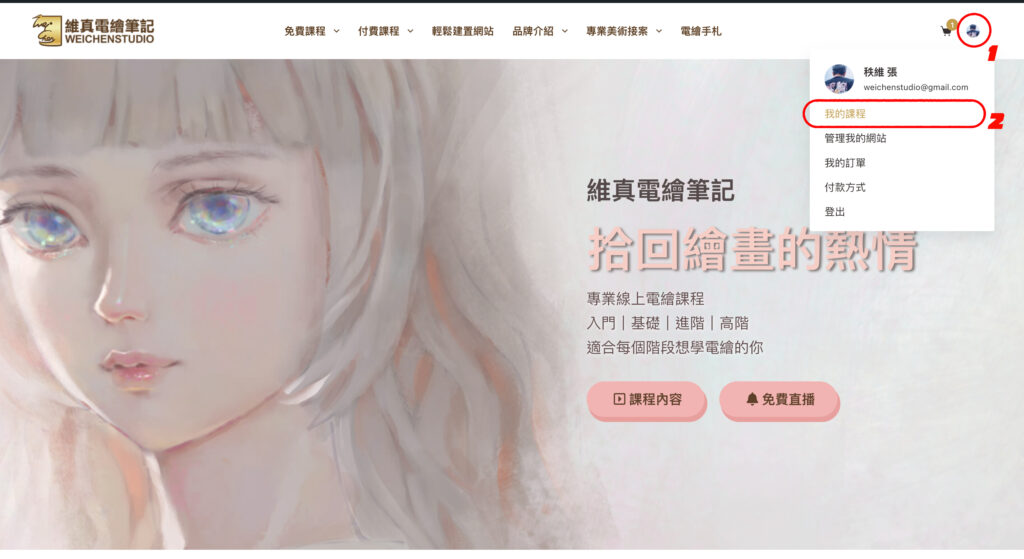
First, log in to your account and tap your profile picture in the top right. Then select My Courses.
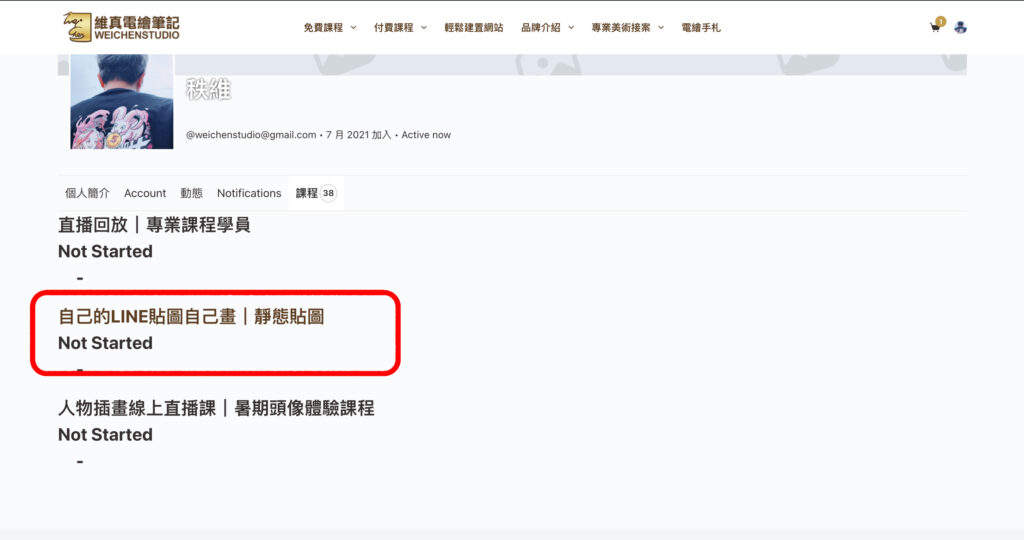
Then choose the course you'd like to watch, and you can start learning!
2. Please be sure to watch the pre-class video
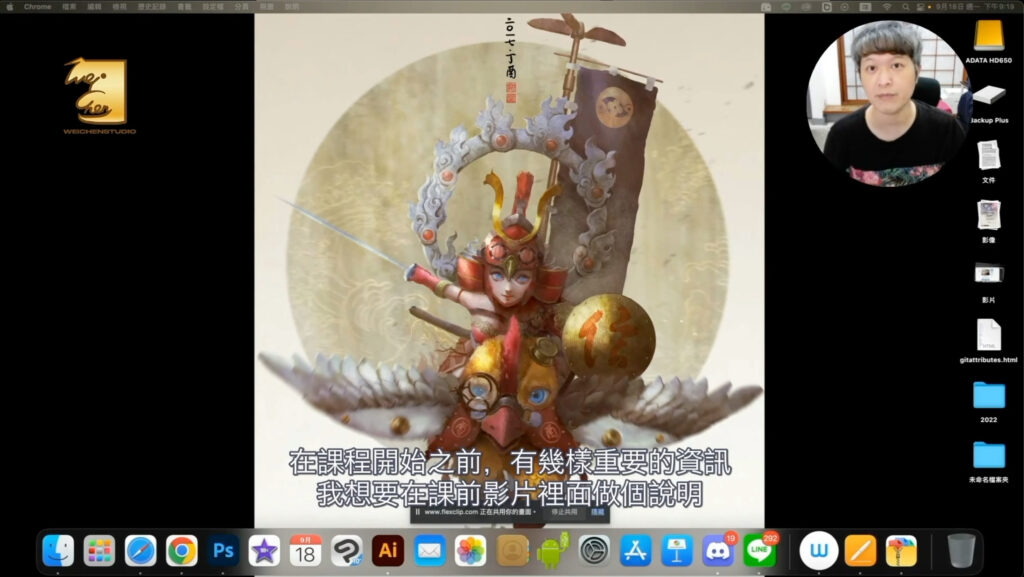
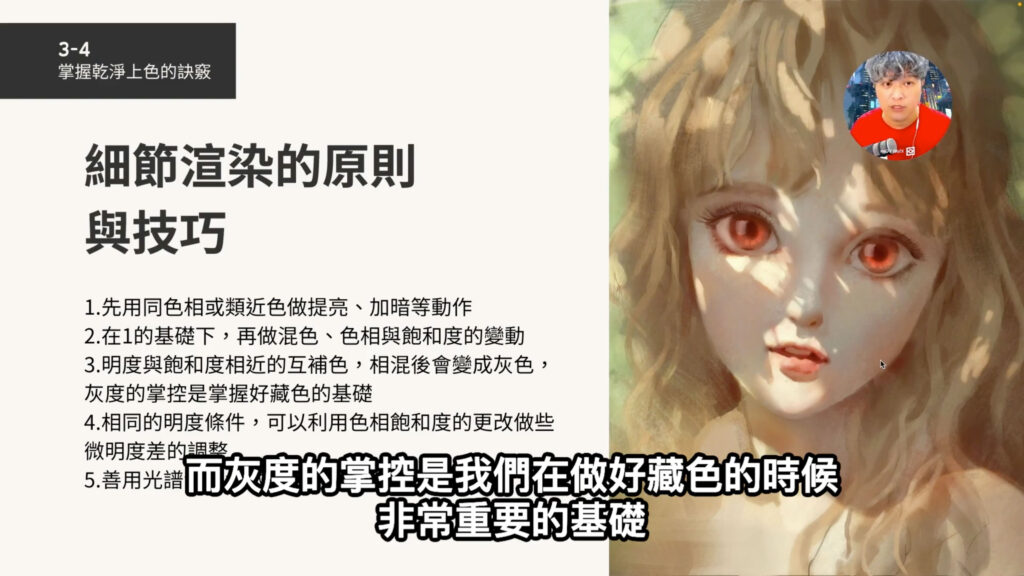
Every course includes a pre-class video like the one shown in attachment 1, covering how to join the WeiChen Studio Discord server, how to submit assignments, and how to download course materials. Please watch it first — it helps everyone complete all the pre-class preparation efficiently.
3. Please join the "Site Students Discussion Area" in our Discord server
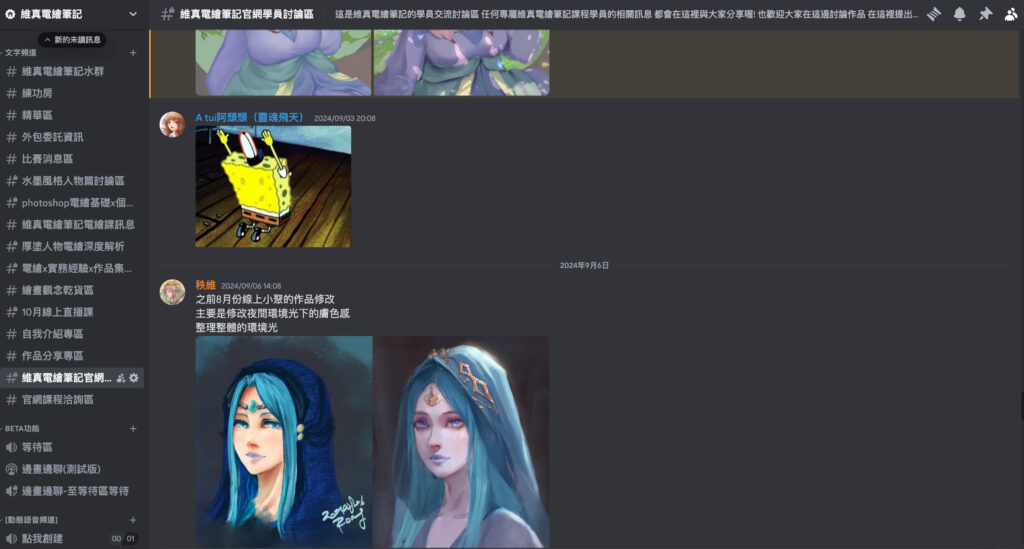
Tap here for the site students discussion area
Benefits exclusive to site students — including our online meetups at least once a month, with meetup times and related announcements — are all posted in the site students discussion area. Recorded courses and livestream sessions work together to solve your drawing questions faster and more directly, so please make sure to join.
4. Please join each course's dedicated Discord discussion area
Every course has its own dedicated Discord discussion area. Here's how to join:
A. In the Discord server, select #解鎖付費課程討論區 (unlock paid course discussion) and press the "Create Ticket" button
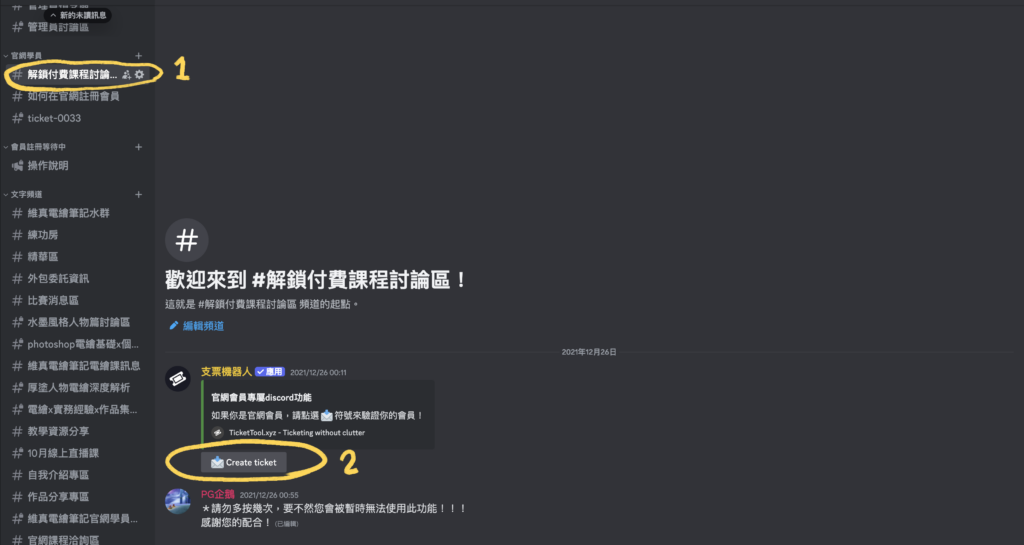
B. In the "#ticket-xxxx" window, type the email address you registered with on WeiChen Studio into the chat box, then press the lock icon shown below
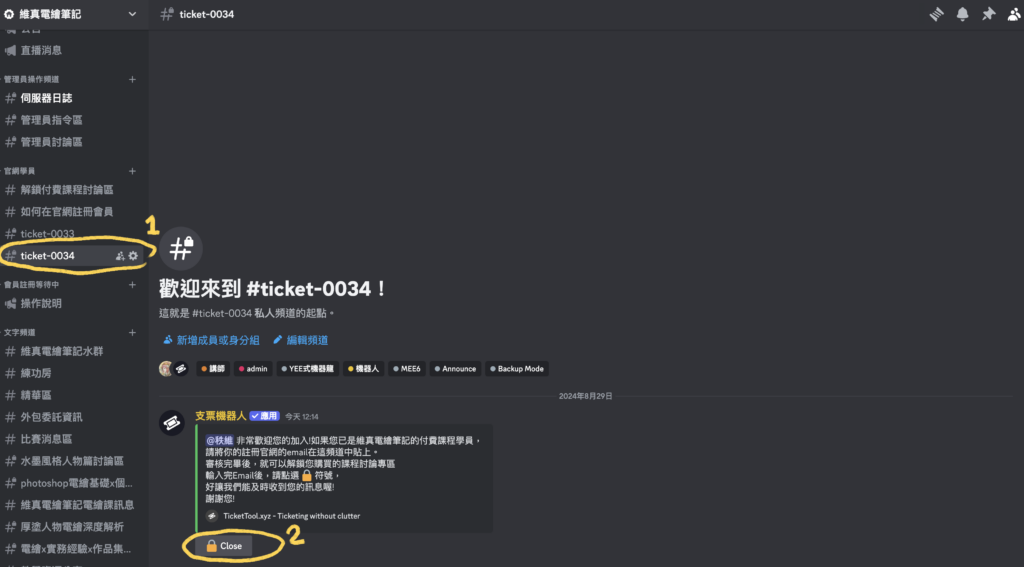
D. Once verified, you'll be added to the dedicated discussion area for your purchased course!
Those are the things to note and follow before class — thank you for your attention! If you have any questions, you can reach us anytime at weichenstudio@gmail.com. I hope our courses help you keep improving and, above all, enjoy painting!
Wei, Instructor at WeiChen Studio 維真電繪筆記