
Draw Your OwnLINE Stickers
"First learn to enjoy drawing—once you're having fun, then chase improvement." This beginner-friendly Procreate iPad course walks you through everything from the interface to line art to character design, so you can create and publish your very first set of LINE stickers.
Pay by credit card (installments available), Web ATM, or at a convenience store. If you choose convenience-store payment, you'll get a payment code or slip first; the course unlocks once it's paid.
- Beginner-friendly, starting from the Procreate interface
- Line art × color × layer lighting for an instantly pro look
- Design characters with personality and spot-on expressions
- Step-by-step guidance to publish on the LINE Sticker Shop
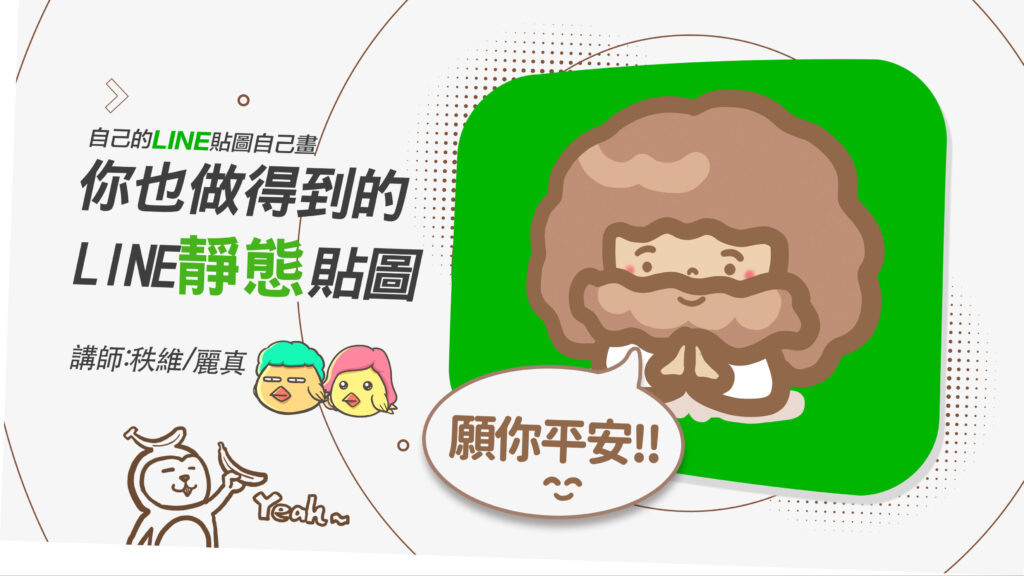
From Opening Procreate to Publishing Stickers—Guided Every Step
For total beginners, the real roadblock usually isn't "can I draw?"—it's the software, hardware, and basic moves. This course breaks down every step for you:
Software, Hardware & Interface Setup
Get to know the Procreate interface and prep work, and learn how to apply it to drawing—so even total beginners can take a steady first step.
Clean, Confident Line Art
No blur, no mess! Master the tricks for crisp, clean line art so your stickers read clearly and grab attention at a glance.
Coloring & Layer Magic
From base colors to using layers for lighting and depth—learn this secret weapon and your work instantly looks professional.
Character Personality & Emotion
Use imagination-sparking methods to design characters with personality and spot-on expressions—stickers people actually want to buy.
"I'd love to have a set of LINE stickers I drew myself… but I have no idea where to start."
- ✕Never used drawing software—just opening Procreate leaves you baffled
- ✕No drawing background, worried your work will look bad and you'll give up halfway
- ✕Even if you finish, you don't get the sticker specs or how to publish them
Don't worry—this course was built specifically for total beginners, with the priority of helping you enjoy drawing and have fun first.
We start with hardware setup and the interface, then guide you through line art, coloring, and character design, and finish with a hands-on assignment that walks you through publishing on the LINE Sticker Shop—so you create real, usable, giftable products with personality.
Who Is This Course For?
All you need is an iPad and the itch to create.
Complete beginners,
trying digital art for the first time
Have an iPad and want to learn
how to use Procreate
Want to turn your own characters
into LINE stickers
Want to turn your work
into products with personality
Course Syllabus
10 chapters, from zero and step by step—draw along and you'll finish with a sticker set of your own.
CH 00Getting Started
Course files, brushes & interface
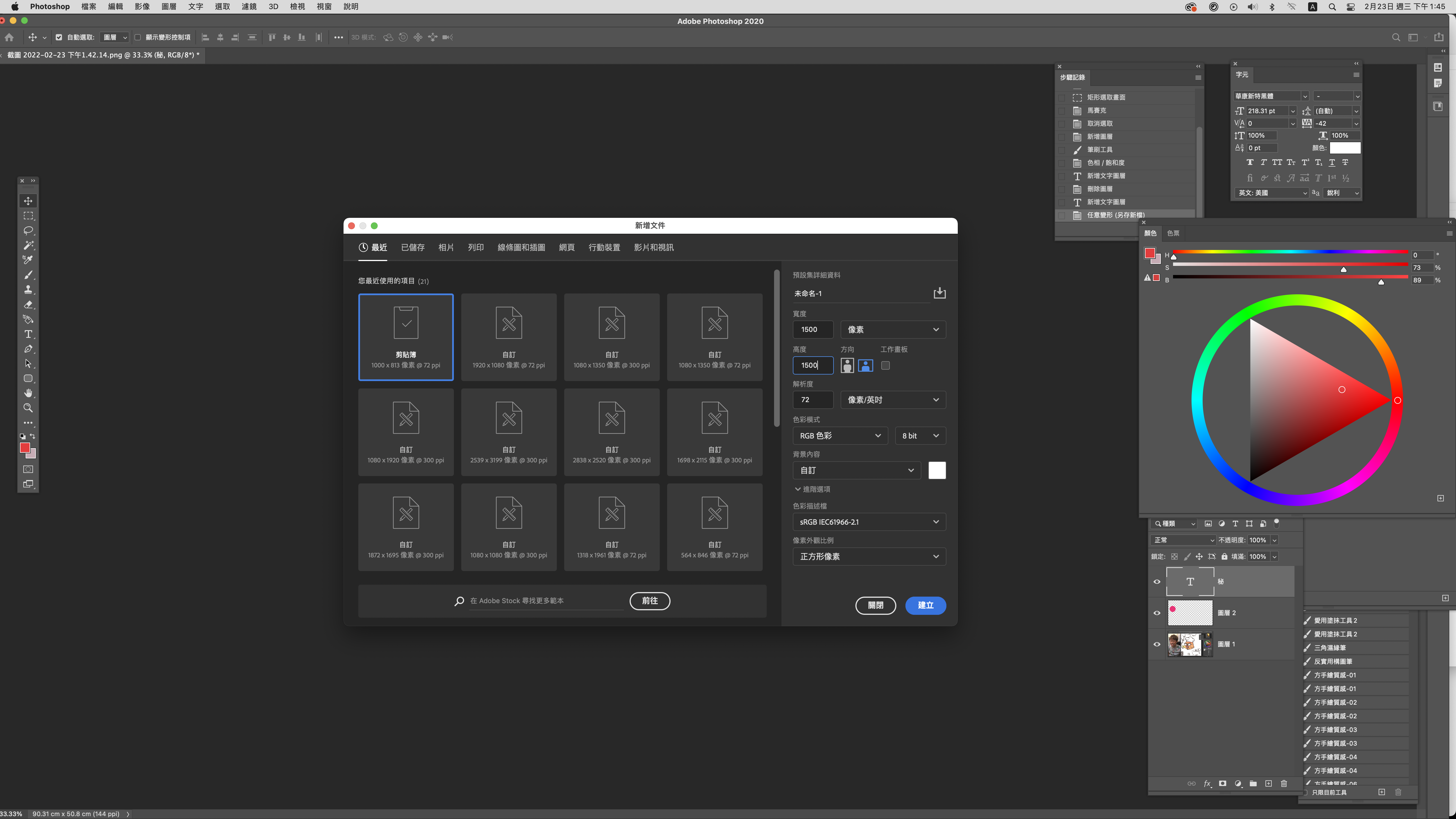
For many beginners, the first hurdle is adapting to the software, hardware, and basic moves. This chapter sets up the course files and brushes and introduces the Procreate interface, so you take a steady first step into digital art.
- Watch FirstHow to install the Procreate course files and brushes
- FilesExclusive Procreate brush set—install and go
- L1Getting to know the Procreate interface and basic controls
CH 01Drawing Fundamentals
Line art · base colors · layer lighting
Whether your work looks good comes down to the fundamentals. This chapter guides you through clean, confident line art, laying down base colors, and using layer magic for lighting and depth—so your stickers look more professional.
- L2No blur, no mess! Creating clean, confident line art
- L3How to lay down base colors? Start from the base and look pro
- L4Layer magic! The secret weapon for lighting and depth
CH 02Character Design
Building personality & expressions
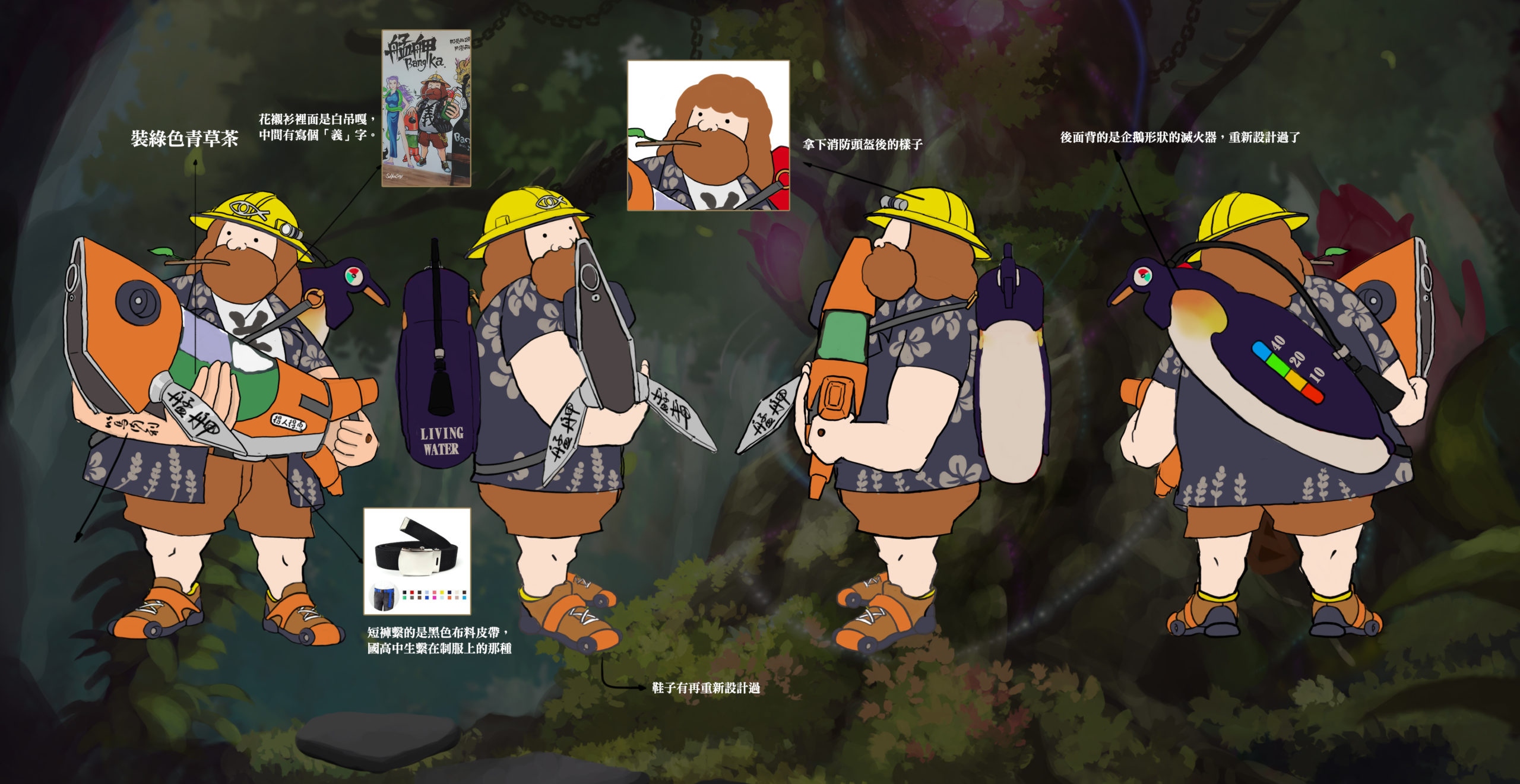
Designing characters is a freeing process—once you know how to play, it's a blast. This chapter shares our methods for sparking ideas and organizing thoughts, guiding you to design memorable characters with personality and spot-on expressions.
- L5Charming little characters with personality!! An intro to character design ideation
- L6Catch my feelings!! Building character expressions
CH 03Publishing in Practice
Turn your work into a product
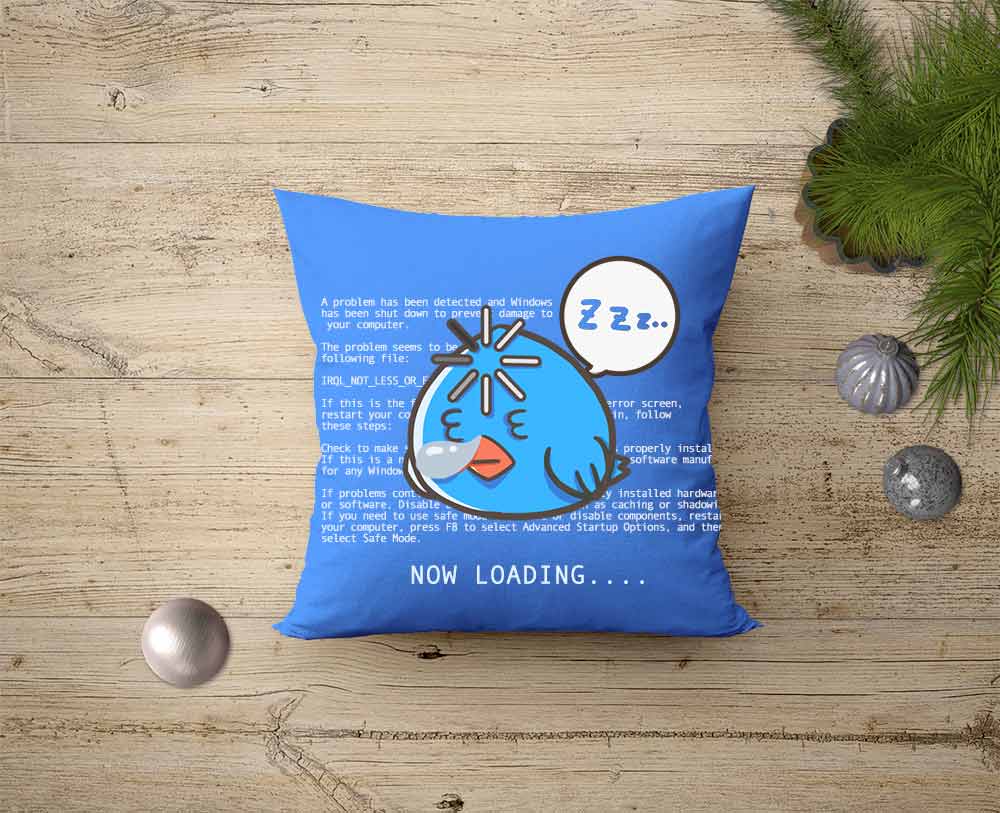
Finally, through an assignment, we guide you to organize and upload your finished stickers and publish them on the LINE Sticker Shop. Chatting with stickers you drew yourself is a more expressive, more authentic way to be you!
- L7Fun assignment time: organizing, uploading, and publishing to the LINE Sticker Shop
Prerequisites
We suggest starting with this foundation course first — the rest will come much easier:
Procreate Impasto Basics: In-Person Class for BeginnersRecommended firstFinished this course? Here's your next step
Based on the skills you'll have built, this is the smoothest path forward.
Next, place your characters in a scene — that's when the picture feels complete.
Portfolio ready? Learn how to land your first commission.
What This Course Gives You
Root down and grow up—let this course be your stepping stone from zero.
Lifetime access, no viewing deadline
One payment for lifetime, unlimited access to all 10 chapters of video. Draw at your own pace, rewatch as often as you like, no time pressure.
Includes course files and an exclusive brush pack
The course comes with Procreate files and an exclusive brush set—install and go. Even total beginners won't have to worry about tools; just open it and start drawing.
Step-by-step publishing guidance
The course ends with an assignment that walks you through uploading and publishing your stickers on the LINE Sticker Shop—so you create real products with personality that you can use, gift, or even sell.
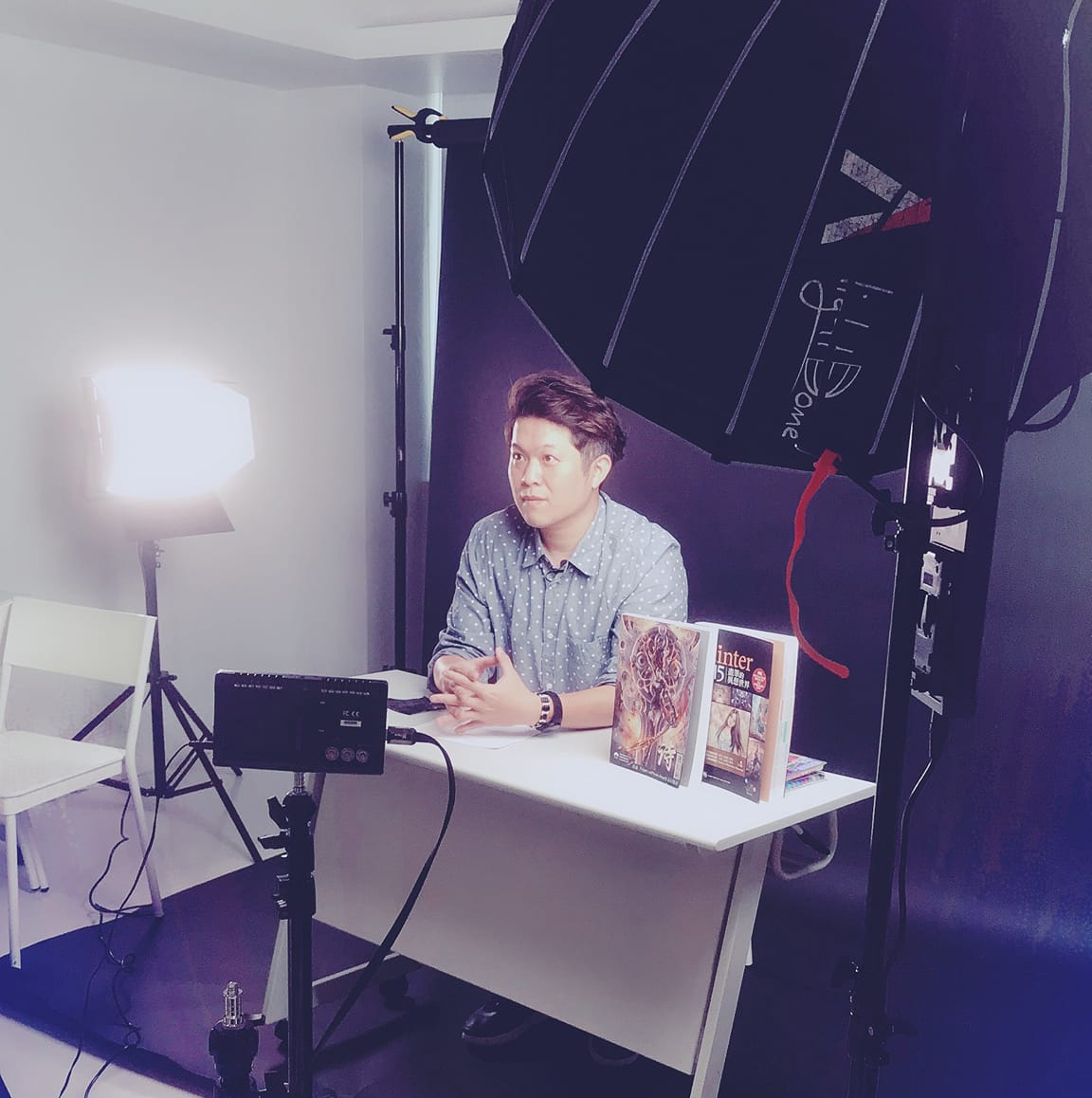
Wei Chang
"First learn to enjoy drawing—once you're having fun, then chase improvement."
A graduate of the Fine Arts Department at NCUE, Wei began teaching Painter at Lianchen in 2007 while taking on commercial commissions. With over a decade of professional art outsourcing experience spanning film animation, game character and scene design, publishing covers and interior illustrations, and advertising graphics, he hopes to use his professional experience and teaching ability to help more people learn and master professional digital art skills—inspiring creativity and building skills for beginners and experienced learners alike.
FAQ
Can I take this with zero experience and never having drawn before?
Absolutely! This course is built specifically for total beginners, starting from the Procreate interface and basic controls and guiding you step by step to your first sticker set. Our philosophy is to help you enjoy drawing and have fun first, then gradually improve—so there's no need to worry about lacking a foundation.
What software and equipment do I need?
This is a Procreate iPad course, so you'll need an iPad + Apple Pencil + the Procreate app (a one-time purchase of about NT$330 on the App Store). The course includes an exclusive brush pack—install it and you're ready to go.
Is there a viewing deadline?
None! One payment gives you lifetime, unlimited access to the course videos, so you can rewatch anytime and draw at your own pace.
Can I ask the instructor questions during the course?
Yes. After enrolling, join the student community to ask questions and share your assignments. The instructor and fellow students will give you feedback and help you complete your first sticker set.
How is this different from the Photoshop version or the animated sticker course?
This is the Procreate (iPad) course for static stickers; there's also a Photoshop (desktop) version and an animated sticker course. Choose based on your equipment and the type of stickers you want to make—the core concepts largely carry over.
Can international students enroll? What payment methods are available?
Yes! We support online credit card, ATM, and other payment methods, and international students are welcome to purchase.
Draw Your Own LINE Stickers · Procreate Static Sticker Starter Course
- Beginner-friendly, taught hands-on from the interface up
- Lifetime access to 10 chapters of video, no deadline
- Includes Procreate course files and an exclusive brush pack
- Finishes by guiding you to publish on the LINE Sticker Shop
Pay by credit card (installments available), Web ATM, or at a convenience store. If you choose convenience-store payment, you'll get a payment code or slip first; the course unlocks once it's paid.