
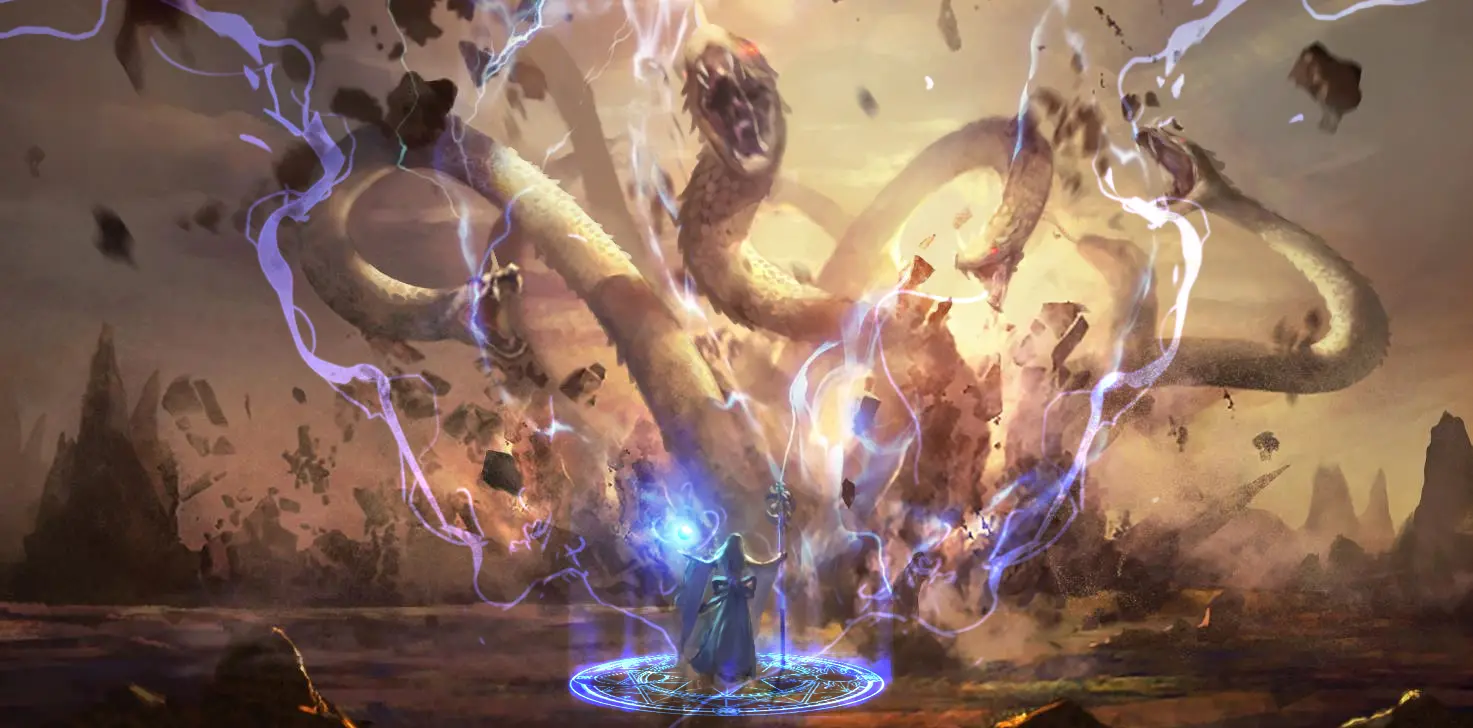
Impasto Character
Painting: In-Depth
Coloring is a subject many find exciting yet are afraid to tackle. This course walks you through sketch → light & shadow → color → material to finally solve the finishing problem of pieces that get muddier and fall apart the moment you start to color.
Pay by credit card (installments available), Web ATM, or at a convenience store. If you choose convenience-store payment, you'll get a payment code or slip first; the course unlocks once it's paid.
- From basics to a finished piece — end the visual chaos for good
- For those who know the software but keep getting stuck on completion
- Complete breakdown: sketch → light & shadow → color → material
- Exclusive Discord group for paying students
- 6 live Q&A meetup and livestream sessions
From Basics to Advanced — Four Stages, Fully Unlocked
A deep dive into how to sketch, light, color, and render materials effectively, so every piece can reach a finished state.
Sketch
How to arrange movement, learn the human skeleton, and draw sketches with a real sense of motion.
Light & Shadow
Start by understanding monochrome and light concepts — mastering value is the first step to coloring.
Color
Color-mixing theory plus digital application to solve muddy colors and tricky ambient light.
Material
Blend and layer colors flexibly to render armor textures and add effects that strengthen the image.
“I'll just leave this one as line art, because the color would ruin it.”
- ✕In grayscale, you can never quite nail the relationship between local color and light
- ✕Character lines feel stiff and unnatural, and the image just feels off
- ✕The character and the environment never blend, so the whole piece looks “muddy”
In my dozen-plus years of teaching digital painting, I've heard this again and again. Coloring is something many find exciting yet are afraid to try.
This course brings together and organizes the coloring insights from many of my past commercial projects, giving equal weight to traditional hand-painting concepts and digital-interface application, with demonstrations of the key brushwork so you can grasp coloring faster and level up your work in a short time.
This Course Fits Exactly What You Need
For those with hand-painting or digital experience who want to break through a coloring plateau.
You have hand-painting experience,
but haven't studied digital painting
You have digital experience,
but coloring intimidates you
You've got a feel for coloring,
but have specific problems to solve
Course Syllabus
An in-depth look at impasto digital painting — here's what this course shares with you.
CH 01Drawing the Sketch
Build the backbone of your piece
The sketch is the backbone that deserves the most attention — a strong foundation makes for a strong final piece. Chapter one covers the tricks of sketching: how to arrange movement, how to learn the skeleton, and how to make poses feel dynamic.
- 1-1Common methods for digital sketching
- 1-2Line-art essentials 1: tangents
- 1-3Line-art essentials 2: key structures of the human body
- 1-4Line-art essentials 3: additional concepts and summary
- 1-5The keys to a strong sketch
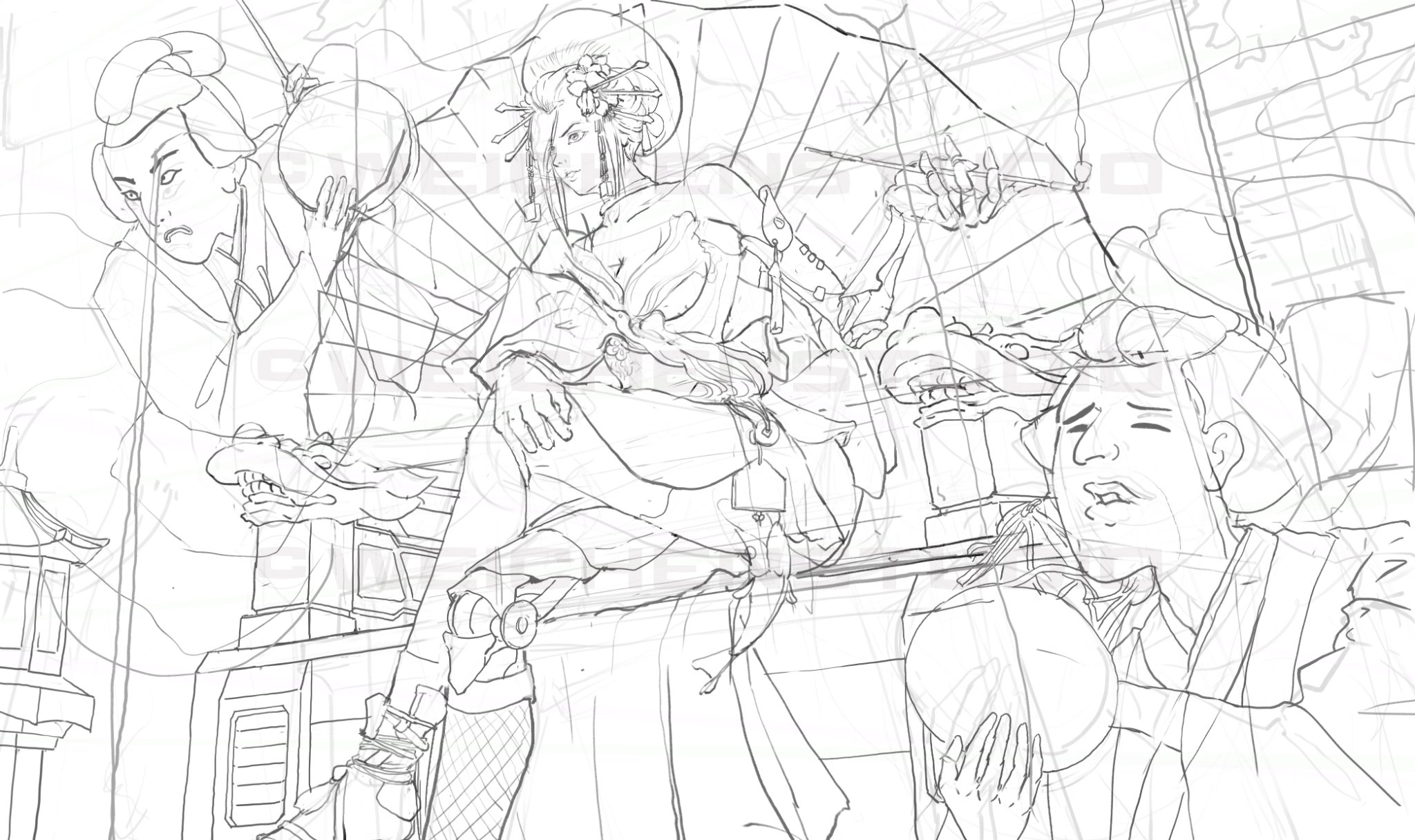
CH 02Mastering Light & Shadow
First, understand the monochrome world
Coloring is a process of solving compound problems. This chapter first explores the pure monochrome world and light concepts — master value, and you've taken the first step toward coloring.
- 2-1Light and shadow can actually be broken down like this
- 2-2Step one for light and shadow: separating light from dark
- 2-3A must-learn skill: edge control
- 2-4Digital-only: controlling color with data
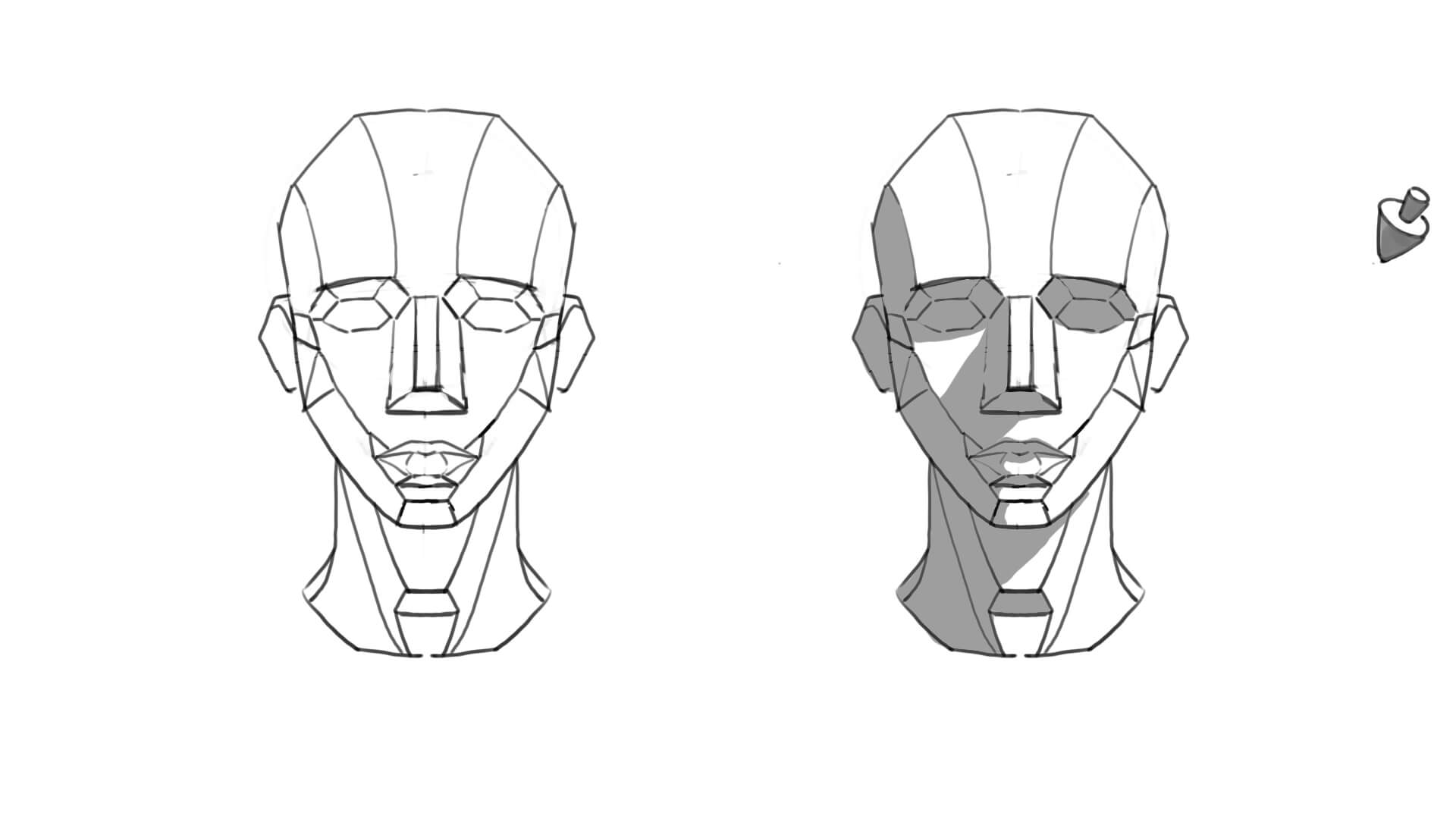
CH 03Color
Hue, saturation, and value
Color is built from hue, saturation, and value. Starting with the color-mixing principles of paper and canvas, we establish traditional hand-painting color concepts, then pair them with digital application to greatly raise the completion of your work.
- 3-1Basic color theory
- 3-2Advanced use of layers while coloring
- 3-3Why do my colors look muddy?
- 3-4Expressing light and shadow through color
- 3-5Ambient light and atmospheric effects
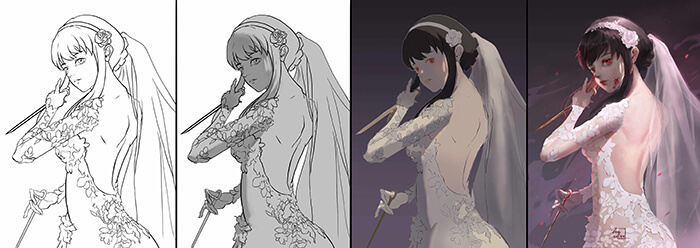
CH 04Bonus Chapter
Strengthening texture and effects
Finally, I'll share how a deeper understanding of color lets you blend and layer colors more flexibly, plus armor textures and the use of effects — solving the small problems that come up as you paint.
- 4-1Mottled, brilliant color: using shifts in hue and saturation
- 4-2Designing armor and rendering its texture
- 4-3Using effects to strengthen the image
- 4-4Summary
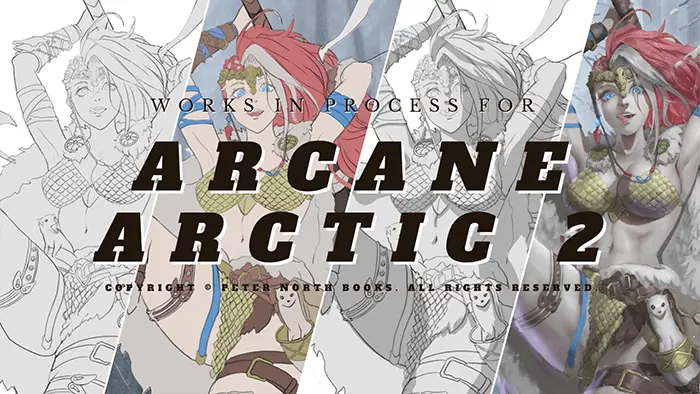
Prerequisites
We suggest starting with this foundation course first — the rest will come much easier:
Procreate Impasto Basics: In-Person Class for BeginnersRecommended firstFinished this course? Here's your next step
Based on the skills you'll have built, this is the smoothest path forward.
Next, place your characters in a scene — that's when the picture feels complete.
Portfolio ready? Learn how to land your first commission.
Grow Stronger Alongside Our Students
These are student works discussed at our live meetups, with the direction the instructor gave for revisions.

After fixing the light-and-shadow separation, the image instantly became more three-dimensional and much cleaner.

Adjusting the relationship between ambient light and local color made the character and scene blend far better.

Reworking the edges and materials dramatically raised the completion of the whole piece.
More Than a Course — Ongoing Support
After the course, you still have the community, live sessions, and one-on-one consultations to keep improving.
Lifetime Access
Pay once, own it forever. Watch anytime, anywhere, as many times as you like, and replay at your own pace until every key impasto brushstroke clicks.
Live Critiques & Community
You won't learn alone. Join the private Discord group and regular live meetups to get feedback and advice straight from the instructor.
Digital Painting Clinic Discount
When you want an in-depth review of your own work, students enjoy an exclusive 10% VIP discount on the 'Digital Painting Clinic' and priority booking for one-on-one guidance.
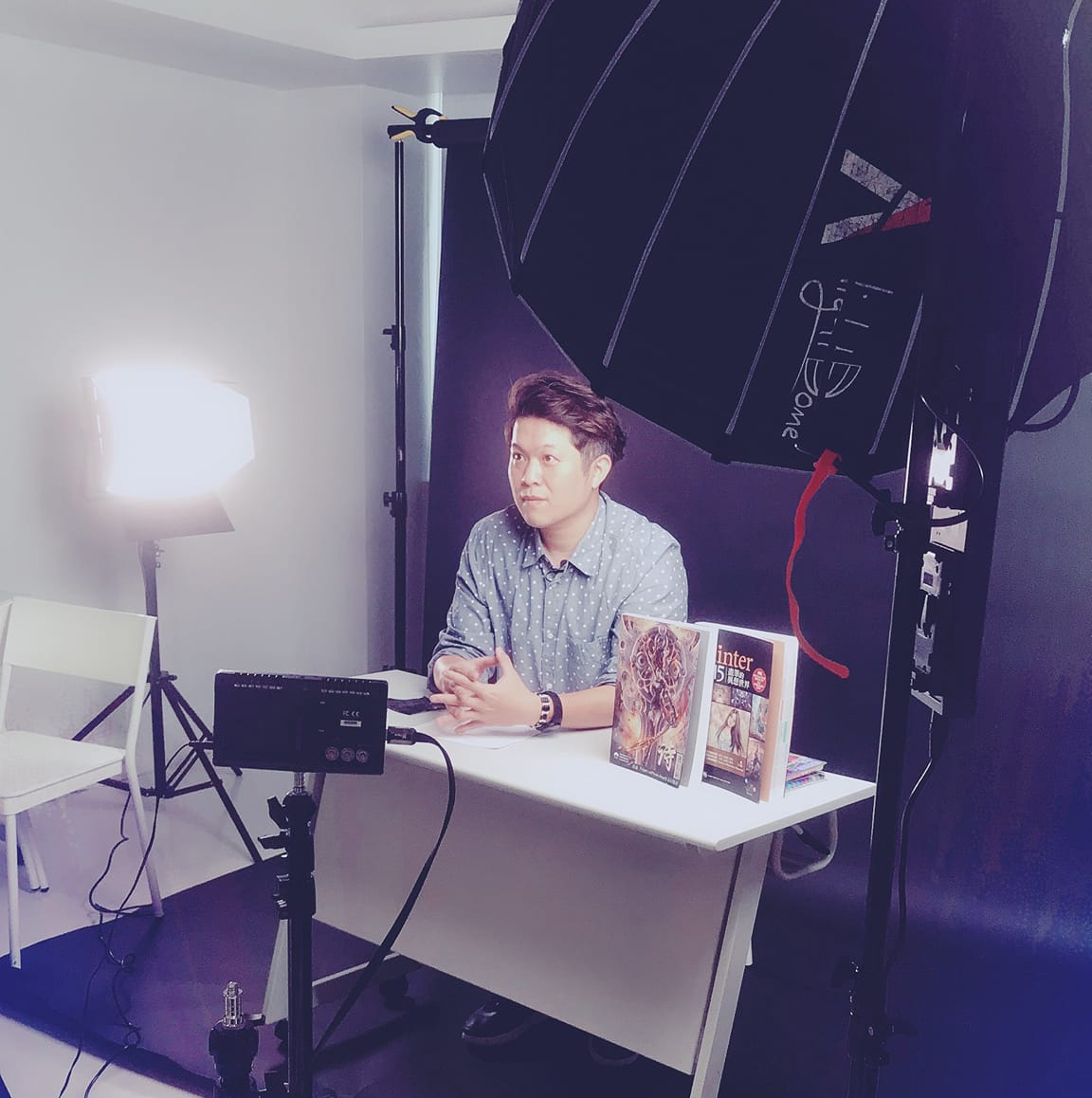
Wei Chang
“Drawing skill is just the baseline — what I teach you is the coloring mindset the industry actually wants.”
With over a decade of professional art-outsourcing experience spanning film animation, game characters and scenes, publisher covers and interior illustrations, and advertising visuals. He has taught on the YOTTA and TIBAME online platforms and exhibited at Taiwan Comic Festival, Taiwan Original Fair, and the NCUE Department of Fine Arts, among others.
FAQ
Can complete beginners take this course?
This course is built for students who want to strengthen their fundamental coloring concepts. If you're a complete beginner, we recommend starting with our LINE static sticker course first — once you understand the basics of digital painting in Photoshop, adding this course will make the transition much smoother.
Do I need any special software?
The demos use the Adobe Photoshop CC series; we recommend CS6 or later. If you use other digital painting software (such as Clip Studio or Procreate), make sure you're comfortable with the basics — opening layers, brushes, and setting file size and resolution — before purchasing.
Can I ask the instructor questions during the course?
Of course — ask anytime! We provide a private Discord group and live meetups, and the instructor personally replies and gives feedback on your work.
Can I still join a live meetup if I miss it?
Every meetup you attended remains rewatchable forever; replays of sessions you didn't attend are collected in the on-site replay library, available to subscribers.
Can overseas students enroll?
Yes! Note that the instructor teaches in Chinese. If you need English subtitles, they will be added gradually after the Chinese version is released.
How do the 6 bonus live Q&A meetup sessions work?
This course includes 6 live Q&A meetup sessions — worth NT$2,394, based on the NT$399/month subscriber plan. Entering a meetup livestream counts as 1 session (re-entering the same meetup is never counted twice). Please use your allowance within one year of purchase. Once your allowance is used up, your course videos remain available forever. Every meetup you attended remains rewatchable forever; replays of sessions you didn't attend are collected in the on-site replay library, available to subscribers.
Impasto Character Painting: In-Depth
- Pay once for lifetime access to the course videos
- Complete breakdown: sketch → light & shadow → color → material
- Private Discord group for paid students
- 6 live Q&A meetup and livestream sessions
Pay by credit card (installments available), Web ATM, or at a convenience store. If you choose convenience-store payment, you'll get a payment code or slip first; the course unlocks once it's paid.