Digital Painting Mastery Series · AO Technique × Character Design

Distinctive Creature
Character Design

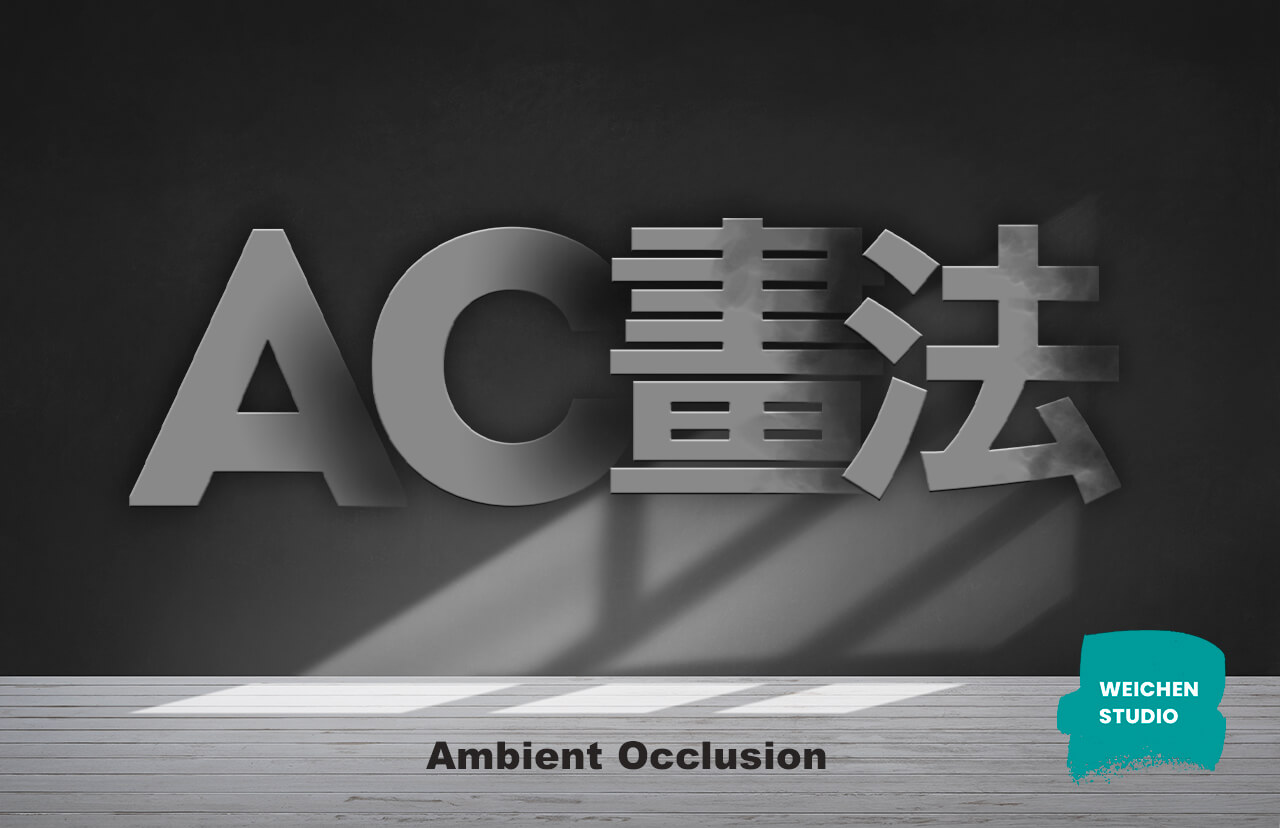
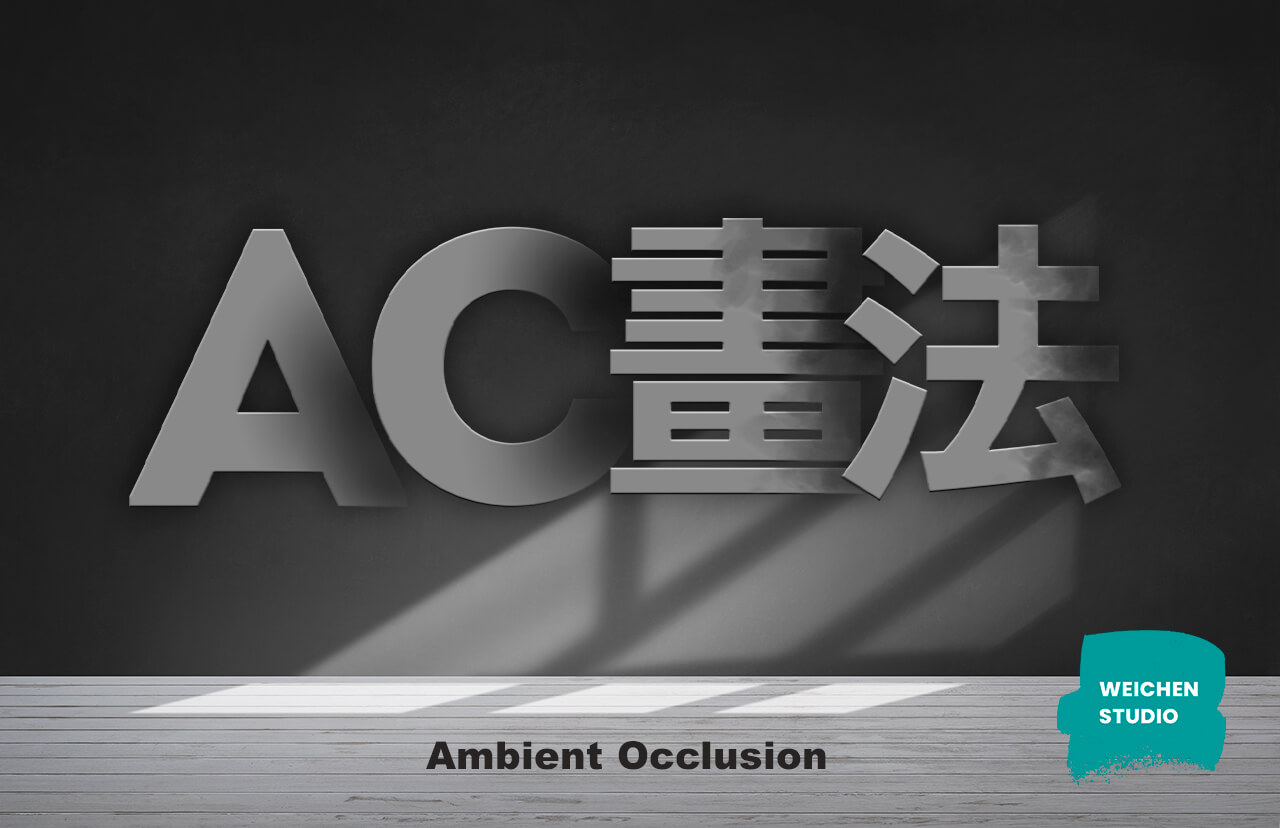
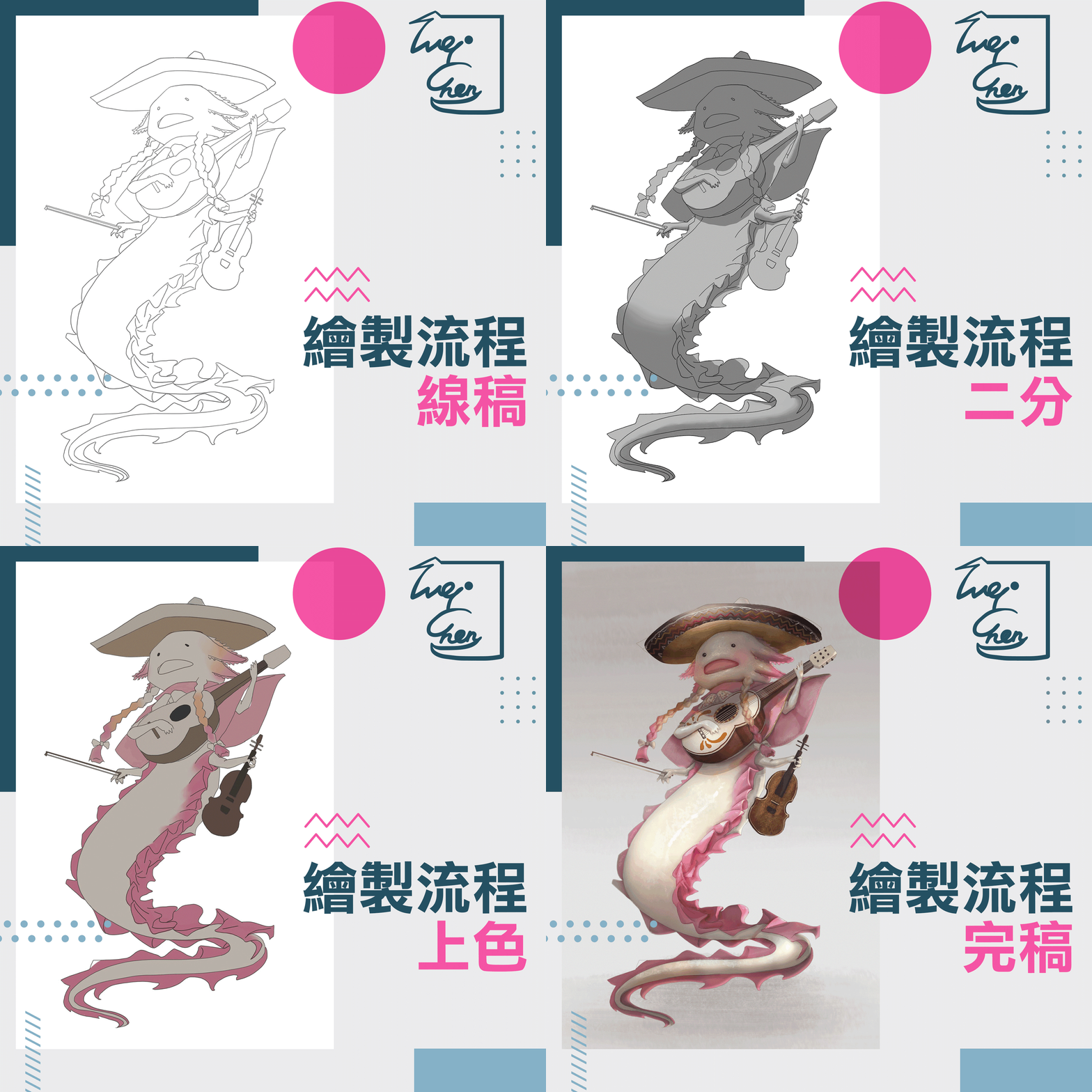
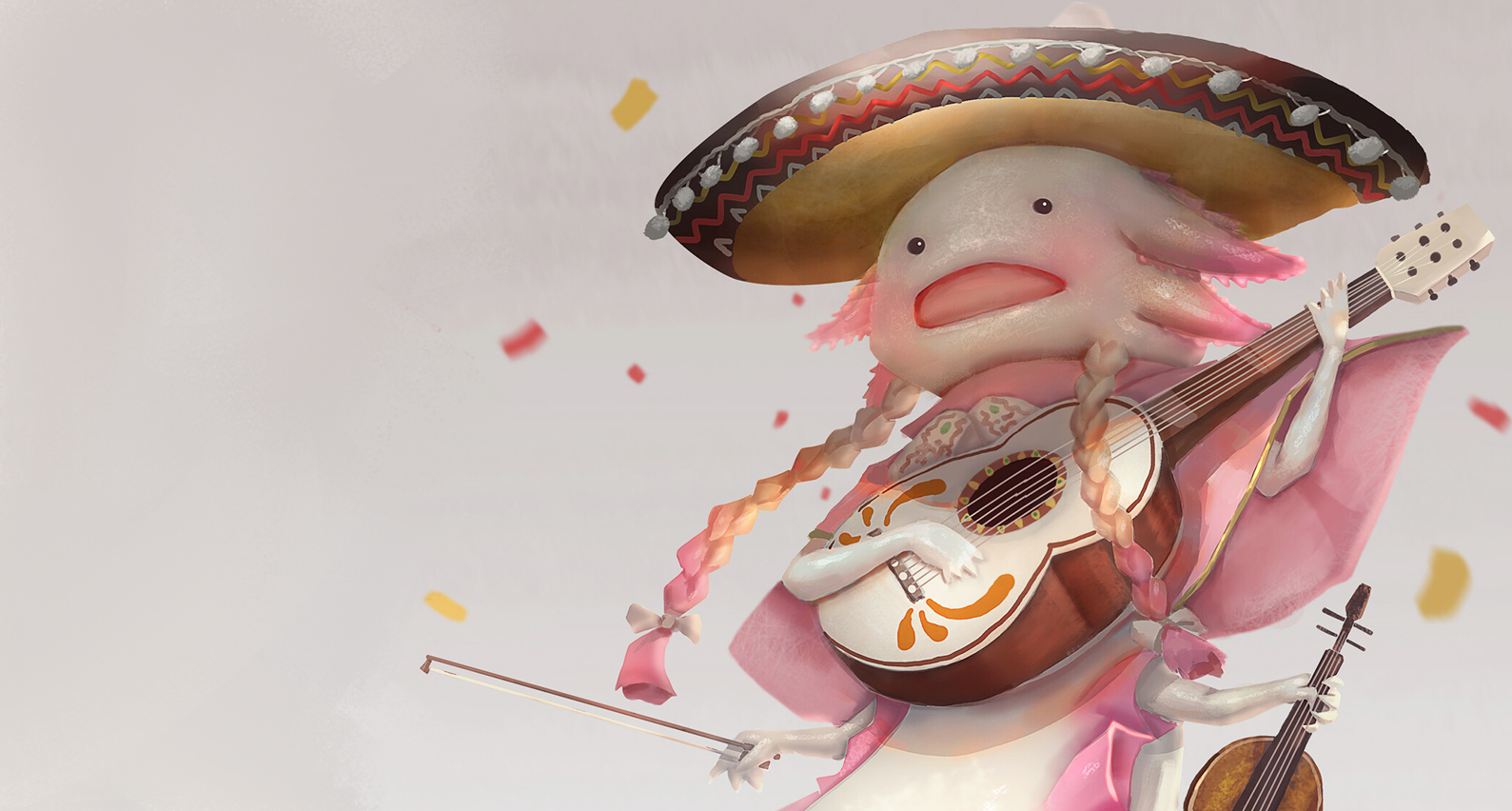
Want to bring light and shadow into your work, but your grayscale-to-color always ends up muddy? This course uses the AO technique to split light, shadow, and color into separate layers—each interpreted on its own, then reintegrated into the final image. Using the award-winning "Axolotl Wandering Band" as the example, you'll create creature characters with real personality.

Single Course · 40% Off for a Limited TimeNT$1,980Originally NT$3,280 · One payment, lifetime access
View syllabus
  • Pay once, watch the course videos forever
  • AO technique: split light, shadow, and color into layers—goodbye muddy tones
  • Includes "Axolotl" layered demo files and brush set
  • Discord group and online meetups exclusive to paid students
AO Technique Demo
Split light, shadow, and color into layers, then reintegrate into a character with personality
10+ YearsIndustry-Practicing Instructor
30 ChaptersFrom concept to impasto refinement
Lifetime AccessPay once, rewatch for life
Sample FilesAxolotl layered files + brushes
FROM IDEA TO COLOR

Four AO Steps to Characters with Personality

The AO technique splits light, shadow, and color into separate layers to handle individually, then reintegrates them—making color adjustments fast and clean from now on.

Concept

Efficiently pull together the character concept in your head and your reference gathering, saving time on both personal work and client communication.

1

Line Art

The scaffolding of your piece. Build the logic and mindset behind line art so you can break down and simplify any problem you face.

2

Light & Shadow

Break down and interpret light and shadow one step at a time; get the lighting right and the drama and tension of the image emerge.

3

Color

Starting from how pigments blend on paper and canvas, integrate light, shadow, and color, then refine form with impasto.

4

"I want to add light and shadow to my work, but every time I go from grayscale to color, it just gets muddier and muddier."

  • You don't know how to think about form and personality when designing a character
  • You want to light your scene for drama, but have no idea where to start
  • Grayscale-to-color turns muddy and murky the moment you add color—how do you fix it?

Character design and coloring are the two things students are most curious about—and where they get stuck most often. No direction in design, no sense of how to light, muddy color the instant you paint—these pain points usually come from the habit of handling light, shadow, and color all at once.

This course uses the AO technique to split light, shadow, and color into separate layers, each interpreted on its own, then reintegrated at the end. It's a great entry point for developing your grasp of layers, lighting, and color—and in real client work, it makes adjustments during the coloring stage fast and easy.

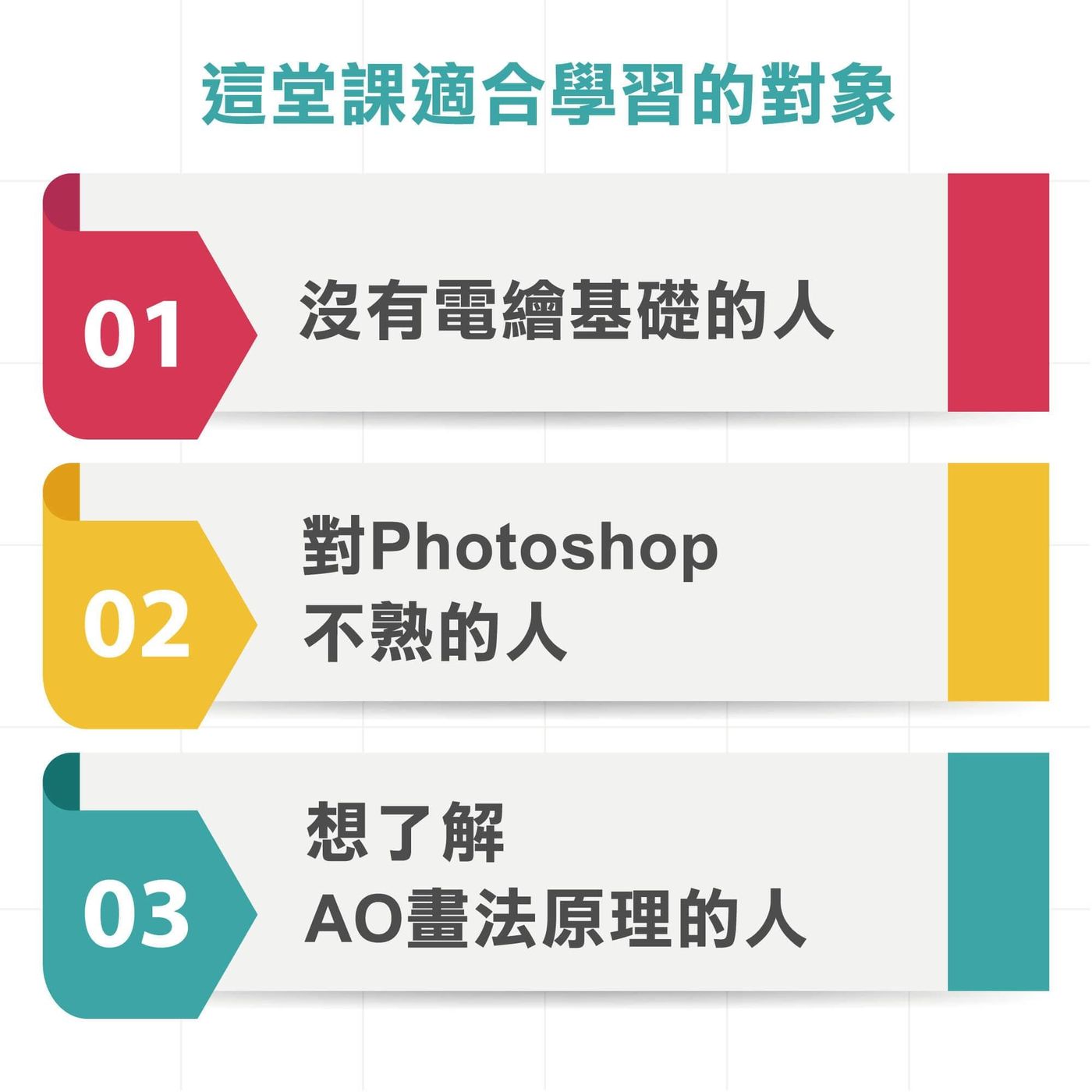
This Course Is a Great Fit If You…

Ideal if you already know basic Photoshop and want to move from beginner to intermediate artist.

01

Love creating OCs and
want characters with personality

02

Have digital painting basics
but get stuck on color and lighting

03

Want to learn grayscale-to-color
but fear muddy tones

Course Syllabus

Eight chapters, thirty videos—from concept all the way to impasto refinement.

CH 00

Before You Begin

Warm-up and course materials

Before the real start, get your handouts, outline, and key notes ready, and download the "Axolotl" demo files and brush set. Includes a "Sphere & Egg" impasto warm-up to build your sense of form before diving in.

  • 0-1Important! Pre-course notes and outline
  • 0-2Common Photoshop shortcuts
  • 0-3Axolotl demo files and brush set
  • 0-4Impasto basics: Sphere & Egg
Before You Begin
CH 01

How to Brainstorm Efficiently

Pull the ideas in your head together

Many people love creating OCs but lose a lot of time because they can't efficiently pull their concepts together. This chapter shows you how to consolidate your pre-creation ideas and reference gathering, making personal work—and future client communication—far more efficient.

  • 1-1How to brainstorm efficiently
  • 1-2Consolidating concepts and gathering references
  • 1-3Communicating more effectively with clients
How to Brainstorm Efficiently
CH 02

Photoshop Fundamentals Review

Get comfortable with layers before coloring

The first step to mastering the AO technique is being comfortable with software layers. This chapter gives you a quick, complete breakdown of Adobe Photoshop—a must-learn tool in both animation and games—so you have a solid understanding before entering the painting workflow.

  • 2-1Full breakdown of the Photoshop interface and layers
  • 2-2Layer operations the AO technique needs
Photoshop Fundamentals Review
CH 03

The Essential Scaffolding: Line Art

The foundation for breaking down problems

No matter the subject, line art is a foundation you can never skip. This chapter analyzes the logic and mindset behind drawing line art; once you're comfortable with it, you'll be able to break down and simplify any painting problem you encounter.

  • 3-1The essential scaffolding: line art
  • 3-2The logic and mindset of drawing line art
The Essential Scaffolding: Line Art
CH 04

Key Concepts to Know Before Coloring

Build your understanding of light first

Coloring means tackling multiple problems at once, and juggling light, shadow, and color together is no easy task. This chapter first breaks down and explains how light and shadow are constructed, building a solid understanding before you move into the hands-on AO application.

  • 4-1Key concepts to know before coloring
  • 4-2Basic concepts of separating light and shadow
Key Concepts to Know Before Coloring
CH 05

Analyzing Light, Shadow, and Color

The heart of the AO technique

The AO technique thinks about light, shadow, and color separately. This chapter dives deep into how light and shadow are built—separating light and shadow, splitting them from color, adding occlusion shadows, and finally summing up the color. Taking the elements apart and beautifully recombining them is what this chapter is all about.

  • 5-1Separating light and shadow
  • 5-2Splitting light, shadow, and color
  • 5-3Adding occlusion shadows
  • 5-4Summing up the color
Analyzing Light, Shadow, and Color
CH 06

The Basics of Impasto Painting

Give your character more solidity

On top of the AO foundation, we introduce the basics of impasto painting to give creature characters a more solid sense of form and texture. This chapter explains the core impasto concepts, bridging into the later work on form-building and refinement.

  • 6-1Explaining the basics of impasto painting
  • 6-2Connecting impasto with AO
The Basics of Impasto Painting
CH 07

Building Form and Final Refinement

The finishing touches

In the final stage, you'll strengthen direct light and explore ambient light—the key player in unifying color—to paint smooth, natural skin tones and texture, plus notes on drawing accessories. Finish the assignment and take your work's polish to the next level.

  • 7-1Building form: strengthening direct light
  • 7-2Explaining the concept of ambient light
  • 7-3Painting smooth skin tones and texture
  • 7-4Accessory notes and assignment walkthrough
Building Form and Final Refinement
Included with the Course

Axolotl Demo Files × Brush Set

The complete layered files for the award-winning "Axolotl Wandering Band," plus Wei's own custom brush set, so you can follow every AO step hands-on as you learn.

  • Axolotl layered demo fileFull PSD layers, matching every AO step in the course
  • Axolotl brush setThe instructor's custom brushes for smoother texture and impasto work
  • Sphere & Egg warm-up fileAn impasto basics practice file to build your sense of form first

Prerequisites

You should already have
Basic Procreate / Photoshop skills
Able to draw a character line art on your own
Not there yet? No problem

We suggest starting with this foundation course first — the rest will come much easier:

Procreate Impasto Basics: In-Person Class for BeginnersRecommended first

More Than a Pre-Recorded Course—Ongoing Support

Rewatchable pre-recorded videos, plus live meetups and community, so you're never learning alone.

Lifetime Rewatch

Rewatch the pre-recorded course anytime, anywhere—slow it down, pause whenever, and replay as often as you like.

Occasional Live Meetups

Topic discussions, live painting sessions, and paid-student Q&As—each running about 30 minutes to an hour.

Exclusive Discord Group

A discussion and support group just for paid students, available on phone and desktop—send in your work and get personal feedback from the instructor.

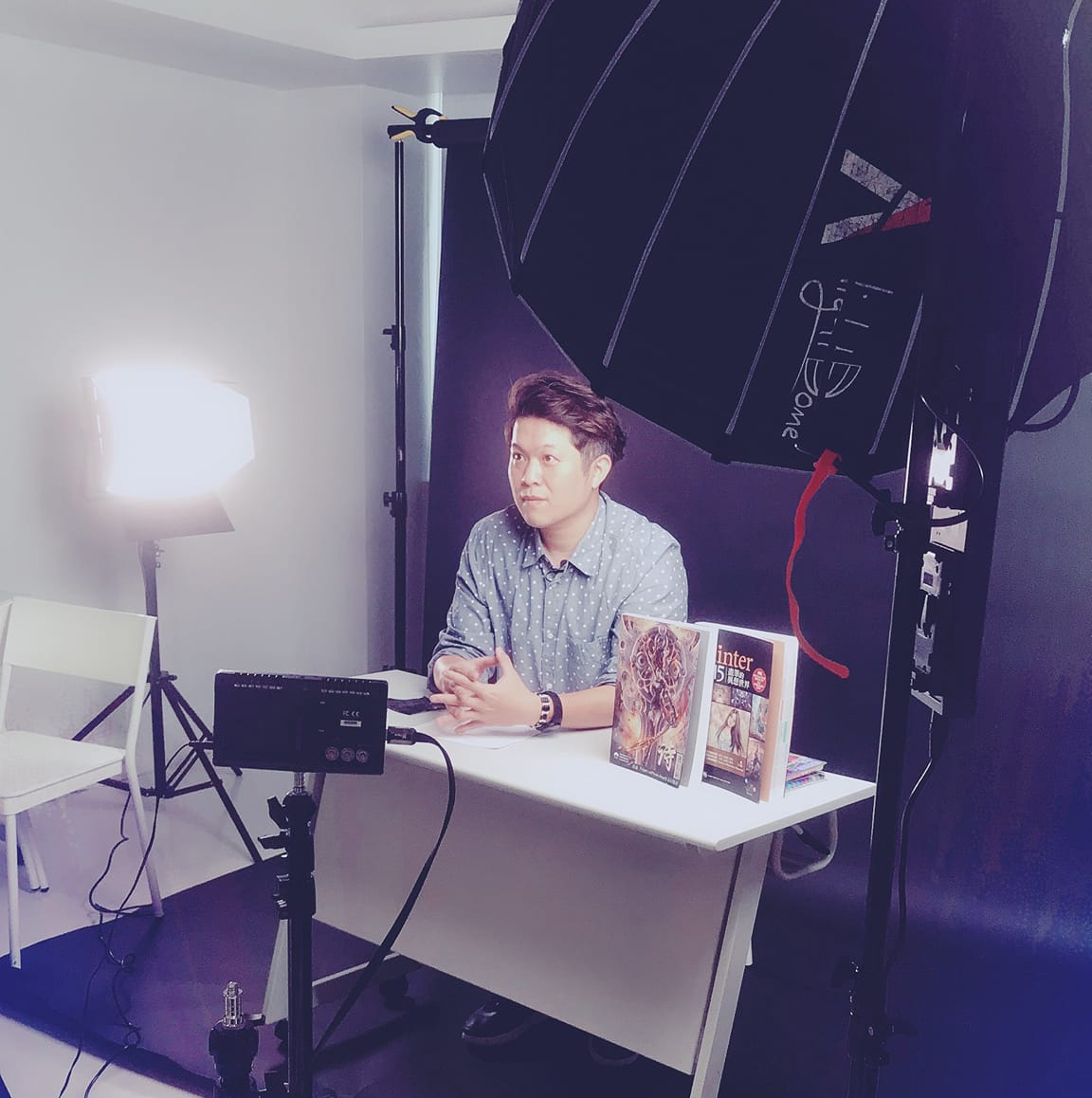
Wei Chang
Internationally Awarded Instructor2020 CDC Special Mention
INSTRUCTOR

Wei Chang

Senior Commercial Illustrator / Professional Instructor

"Think of light and shadow separately first, and your color will never turn muddy again."

A graduate of the Fine Arts Department at National Changhua University of Education, Wei has taken on commercial commissions since 2007, with over a decade of professional art outsourcing experience spanning film and animation, game characters and scenes, publisher cover and interior illustration, and advertising art. He has taught on the YOTTA and TIBAME online platforms, and has exhibited at Taiwan Comic Festival, Taiwan Original Fair, and the NCUE Fine Arts Department, among others.

International Award Recognition2020 Character Design Challenge Special Mention, 2022 Japan JIA Silver Award
A Decade of Industry ExperienceFilm animation · game characters and scenes · publishing illustration
Online Platform InstructorPopular courses on YOTTA and TIBAME, plus lectures at schools and universities
Academic BackgroundNCUE Fine Arts; exhibited at Taiwan Comic Festival, Taiwan Original Fair, and more

FAQ

Can complete beginners take this course?

Yes—complete beginners can take this course. It builds your concepts step by step, from ideation and line art to AO coloring. To follow along more easily, we recommend being comfortable with basic Photoshop operations first.

Do I need special software for this course?

The demos use the Adobe Photoshop CC series; we recommend CS6 or later. If you use other software like Clip Studio or Procreate, we suggest getting familiar with basics such as creating layers, brushes, and image size and resolution before purchasing.

Can I ask the instructor questions during the course?

Of course—ask anytime! We provide an exclusive Discord group and occasional online meetups, where the instructor personally responds and gives feedback on your work.

If I miss a live meetup, can I still catch up?

The meetup recordings are posted in the paid course's Discord group. Join the course section and you can rewatch even if you miss the live session.

Can overseas students enroll?

Absolutely! The instructor teaches in Chinese. If you need English subtitles, they will be added gradually after the Chinese version is released.

Start Painting Creature Characters with Personality Today

Distinctive Creature Character Design

  • Pay once, watch the course videos forever
  • AO technique: split light, shadow, and color into layers—goodbye muddy tones
  • Includes the Axolotl layered demo files and brush set
  • Discord group and online meetups exclusive to paid students
Single Course · 40% Off for a Limited Time
NT$1,980
Originally NT$3,280 · One payment, lifetime access
Credit card · barcode · online ATM · overseas enrollment supported